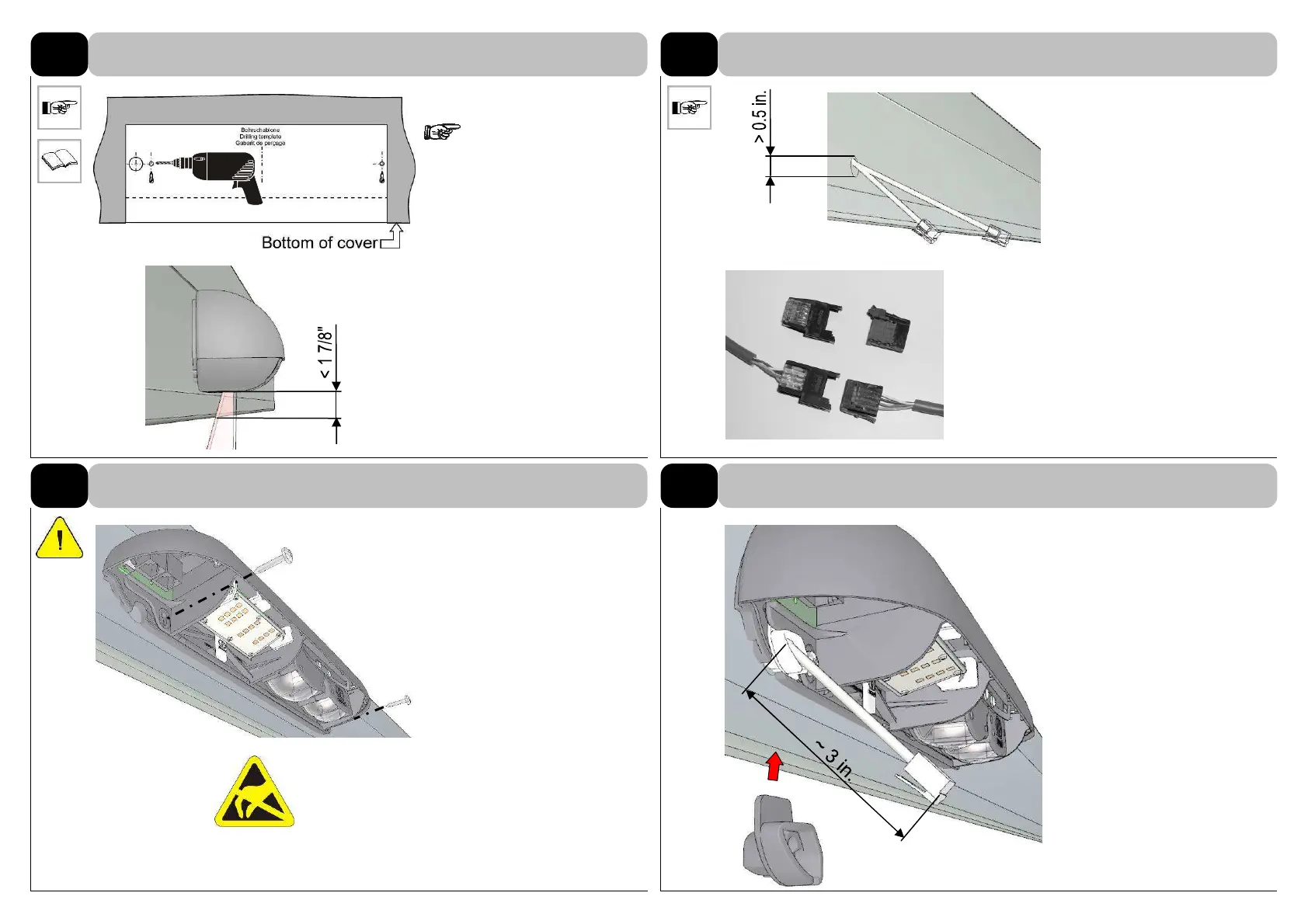
Fix the drilling template exactly
in the middle, drill.
Do not mount onto vibrat-
ing base. Protect against influ-
ences of weather (rain, snow,
etc.).
1-2 CAN cables =
∅
> 1/2”
For smaller through-holes
(
∅
2/5” – 1/2”) use 4-pole CAN-
connectors.
102-015302 socket
102-015303 plug
Don’t touch the electronic parts
on the pc-board. Otherwise
electrostatic discharge could
damage the module.
Adjust the cable length, use
cable tie for pull relief.
Attach grommet onto cable and
slide it under mounting frame.
2.3
Drilling template
2.4
Insert the connecting wire
2.5
Installation of sensor
2.6
Adjust the cable length



 To Next Page