ADDITIONAL DRIVING AID FUNCTIONS
3
226 - Driving
– repeatedly press control
6
or
7
to
reach the "DRIVING ASSIST" menu,
then press switch
8
OK;
– repeatedly press control
6
or
7
to
reach the "Lane keeping" menu, then
press switch
8
OK;
– press switch
8
OKagaintoactivate
or deactivate the function:
– function activated
– function deactivated
Whenthefunctionisdeactivated,de
pending on the vehicle, the
warning light or the warning light
appears in yellow on the instrument
panel.
Automaticdeactivationofthesys
tem
Thesystemisautomaticallydeactivat
ed when:
– the vehicle dynamics control system
is deactivated;
– theelectronicstabilitysystemismal
functioning;
– theantilockbrakingsystemismal
functioning;
– a towbar is electrically connected to
the trailer hitch socket;
– the warning light appears.
Dependingonthevehicle,the
or warning light appears on the
instrument panel.
Operation
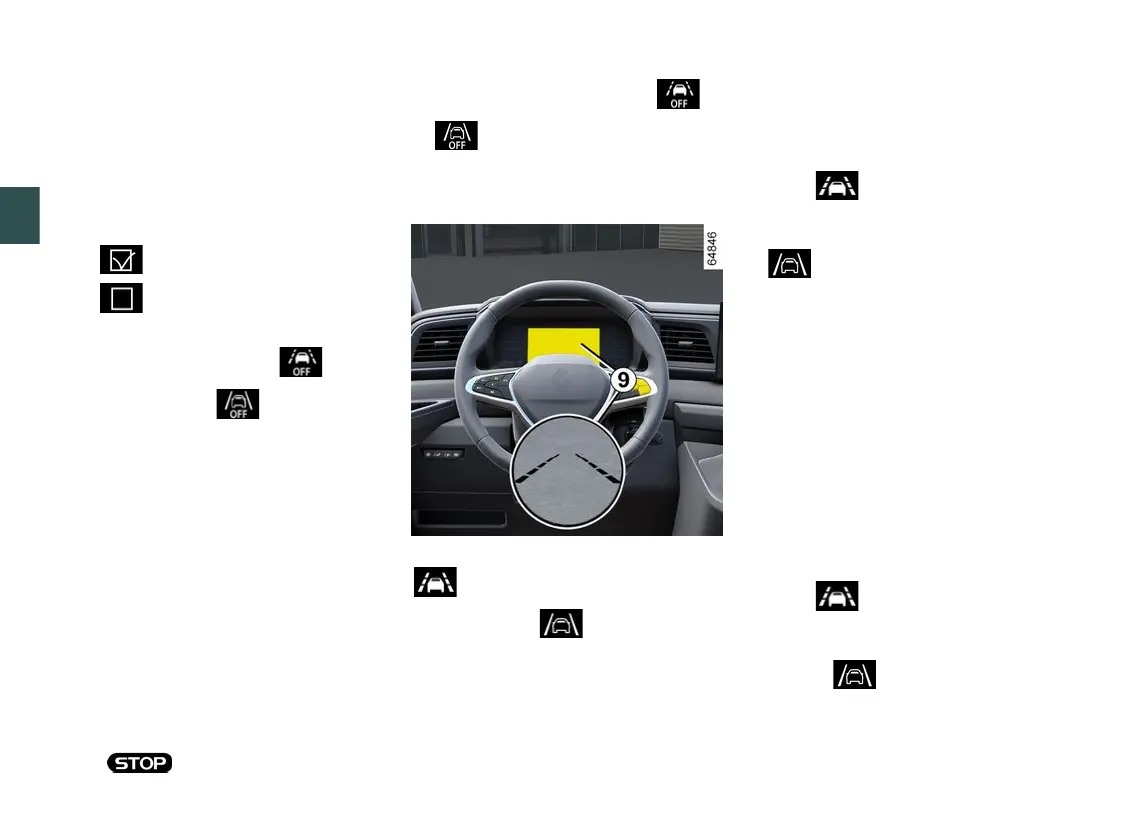
Whenthefunctionisactivated,the
warning light or, depending on
thevehicle,the warning light
and the left-hand and right-hand line
indicators
9
appearingreyonthein
strument panel.
The function is set to notify or react
if:
– speed is between approximately 40
mph (65 km/h) and 106 mph (170 km/
h);
and
– the warninglightor,depend
ing on the vehicle, the left-hand and
right-hand line indicators
9
and the
warning light appear in white on
the instrument panel.
The function is activated if the di
rection indicators are deactivated
and the vehicle:
– approaches a roadside;
– crosses a solid line;
– crossesabrokenlineifthe"Opera
tion on broken line" setting is selected.
In these cases:
– the function triggers an action on the
vehicle's steering system to correct the
vehicle trajectory;
and
– the warning light flashes or,
dependingonthevehicle,theindica
tor
9
on the side of the crossed line
andthe warning light appear in
yellow on the instrument panel.
If the corrective action taken on the
steering system is not sufficient, the











 To Next Page