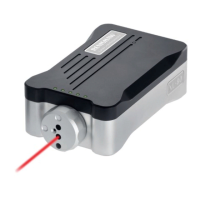
43 XL80 laser system
Linear
XL-80 Hardware
XL-80 Applications
Angular
Straightness
www�renishaw�com/xl80
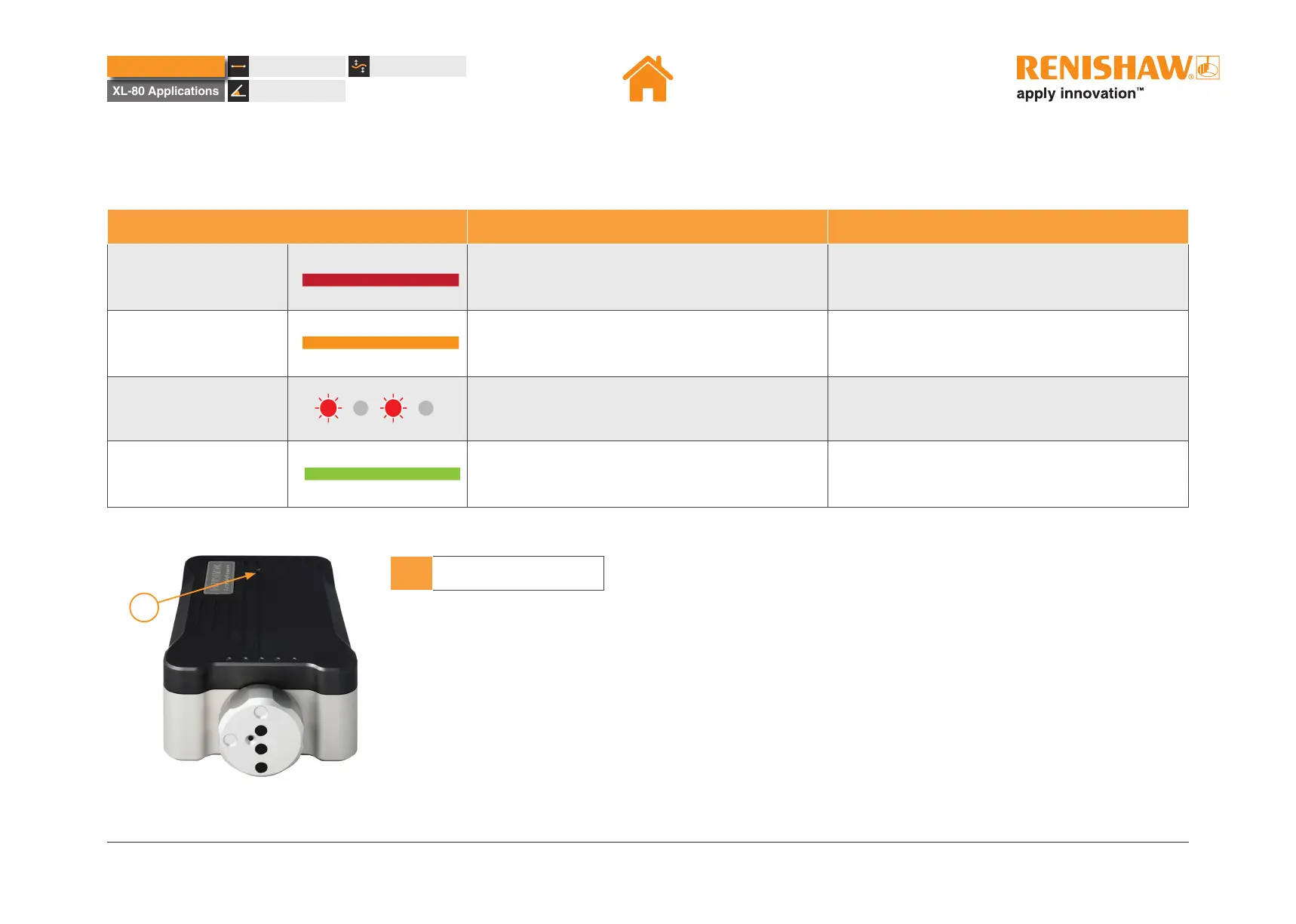
Laser status LED information
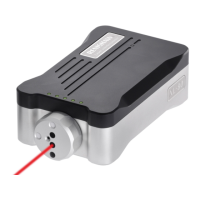
At the rear of the top panel of the XL laser there is a single LED (see image below for reference)�
LED status Description Actions
Solid red
Error
• Check laser beam is present�
• Power cycle the laser�
• If issue persists, contact local Renishaw ofce.
Solid amber
Laser unstable
• Check laser alignment�
• If issue persists, power cycle�
• If issue persists, contact local Renishaw ofce.
Flashing red
Preheat cycle No action required�
Solid green
Laser is stabilised Open CARTO Capture software in XL mode
1
1 Laser status LED
XL-80 Hardware


 To Next Page
 Loading...