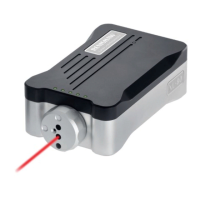
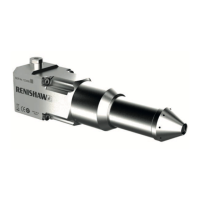
59 XL80 laser system
Linear
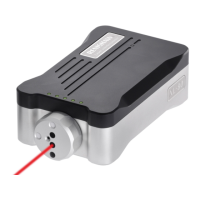
XL-80 Hardware
XL-80 Applications
Angular
Straightness
www�renishaw�com/xl80
XL-80Q operation with RCU10
XL-80Q set-up:
XL-80Q DIP switch 2 must be set for appropriate quadrature resolution
“ON” = ≈10 nm resolution (λ/64)
“OFF” = ≈80 nm resolution (λ/8)
XL-80Q to RCU10 cable
Below is a summary of the wiring required between an XL-80Q (Auxiliary I/O
connector) and an RCU10 (15-pin D-type male connector)�
NOTE: A cable with twisted pairs and overall shield is recommended for the
digital quadrature interface between the RCU10 and the XL-80Q�
1st pair A Quad and /A Quad
2nd pair B Quad and /B Quad
3rd pair Error and /Error
XL-80Q RCU10
Pin number Signal Signal Pin Number
2 0V 0V 2
22 /Alarm /Error 3
23 Alarm Error 11
7 /B Quad /B Quad 5
20 /A Quad /A Quad 6
8 B Quad B Quad 13
21 A Quad A Quad 14
4 and 16 External reset switch
XL-80 Hardware


 To Next Page
 Loading...