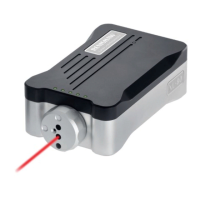
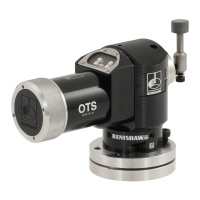
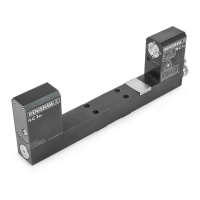
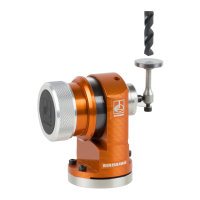
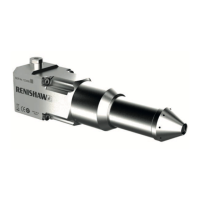
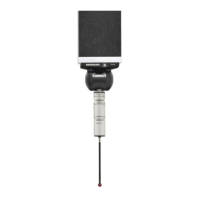
NOTE: Ensure that the
cables do not obstruct moving
components during operation�
NOTE: The XC80 should only
be orientated horizontally (as
shown in picture)�
Linear
XL-80 Hardware
XL-80 Applications
Angular
Straightness
XL80 laser system 71www.renishaw.com/xl80
Set-up of the XC compensator
Attach the XC environmental
compensator to the machine�
Connect the air and material sensors to the XC
environmental compensator�
Position the sensors on the machine� Position the air
sensor along the laser measurement path� Position the
material sensors as close as possible to the machine drive�
Connect the XC system to the
PC using the USB cable provided�
1
3
2
4
XL-80 Applications


 To Next Page
 Loading...