Maintenance
128
Doc No: UMAN\FL\0110
Rev. No.: 1.02B
9.2 Daily Checks
1. Pay special attention during the maintenance work to minimize the risk of electrical
shock.
2. Turn off power immediately if the FlexiLogics unit or related equipment is emitting
smoke or burning. Operation under such situation can cause fire or electrical shock.
To maintain the system and to prevent troubles, check the following items on daily basis.
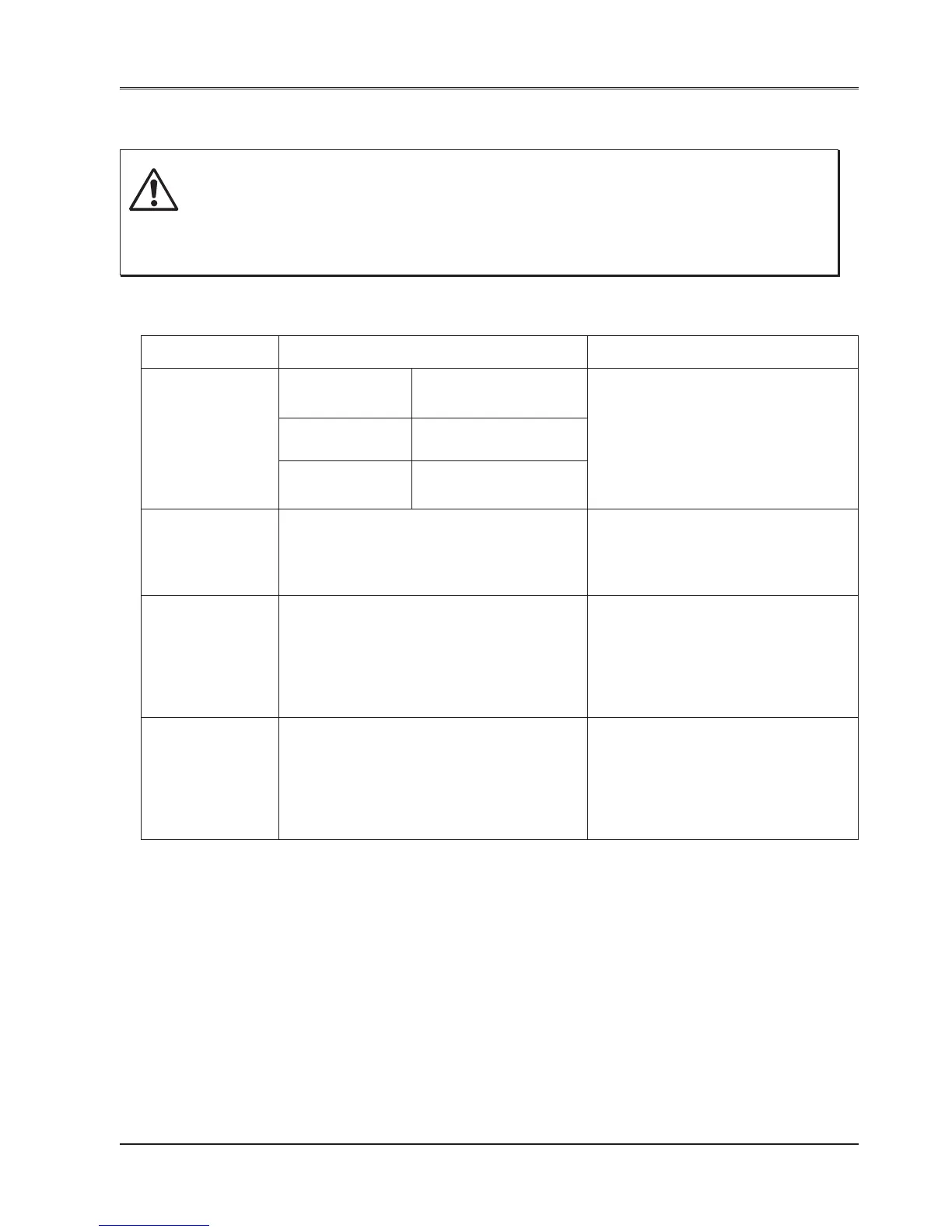
Item Check Corrective measures
Status LEDs PWR Lit when internal 3.3 V If the LEDs are not normal, see
(power) is normal. Troubleshooting.
RUN Lit when operating
normally.
ERR (Error) Not lit when operating
normally.
Mode control Check that the mode control switch is in Turn this switch to R (RUN) side.
switch R (RUN) side. Normal operation is
performed when this switch is in R
(RUN) side.
Input LEDs Lit when the corresponding input is ON. Check that the input terminal screw
is not loose.
Check that the input terminal block is
not loose.
Check that the input voltage is within
the specified range.
Output LEDs Lit when the output is ON and the Check that the output terminal
corresponding load should operate. screw is not loose.
Check that the output terminal
block is not loose.
Check that the output voltage is
within the specified range.
CAUTION


 To Next Page