Before you begin
67
Doc No: UMAN\FL\0110
Rev. No.: 1.02B
3.2 Steps for starting FlexiSoft Software
1. Click the Start button in Windows OS.
2. Select Programs.
3. Select “FlexiSoft”.
4. Select FlexiSoft setup exe.
5. Select New Application either from Tool station or from File Menu.
6. Select the model and product type that you would like to set by clicking on picture of the product in the
list.
7. Define the Unit Settings.
8. Next step is to define Tag Database to your application.
3.3 Uninstalling FlexiSoft Software
1. In Windows click the Start button.
2. Select Programs.
3. Select FlexiSoft.
4. Select Uninstall FlexiSoft.
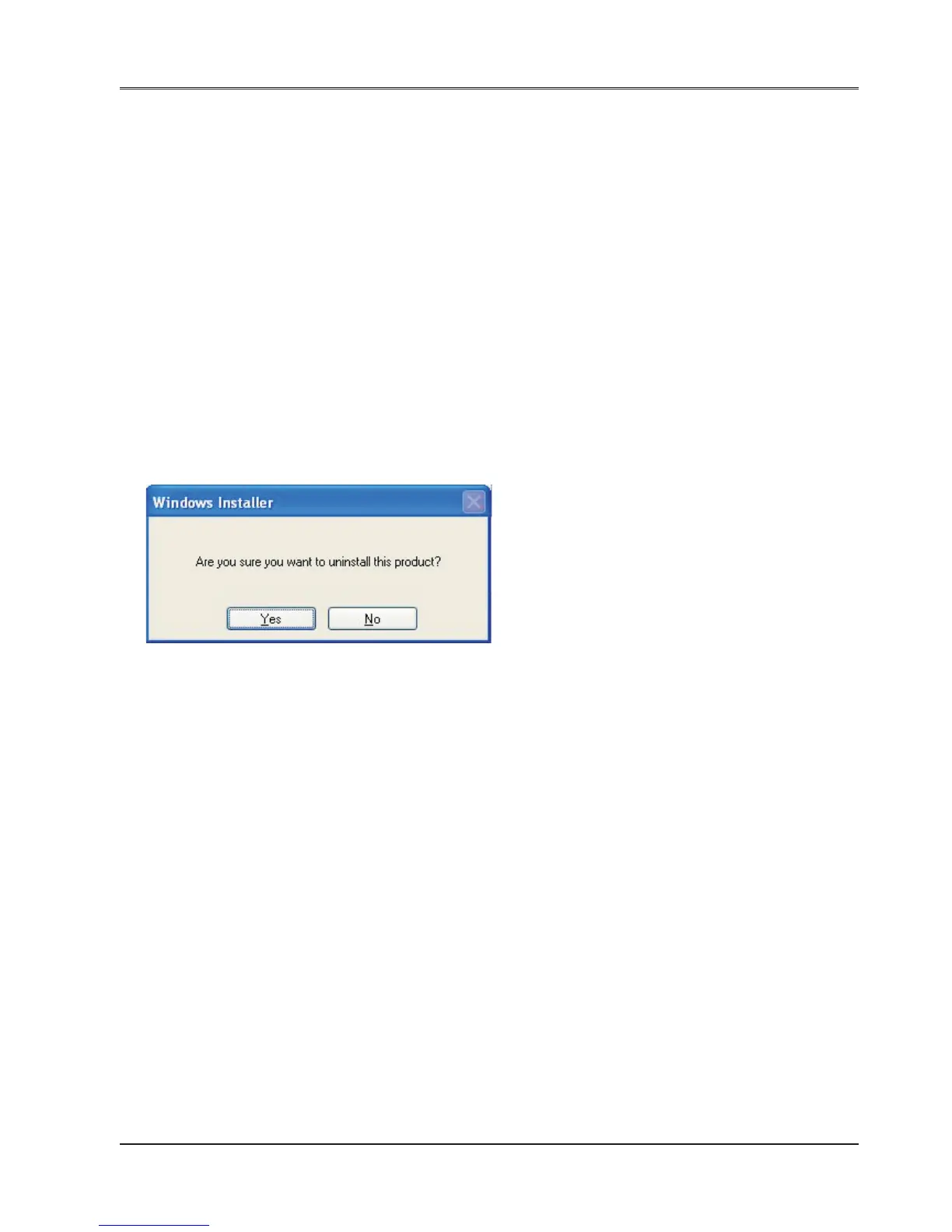
Following screen will display. The screen will ask you for the confirmation for uninstalling FlexiSoft configuration
software.


 To Next Page