Configuration
76
Doc No: UMAN\FL\0110
Rev. No.: 1.02B
1
2
3
4
5
6
7
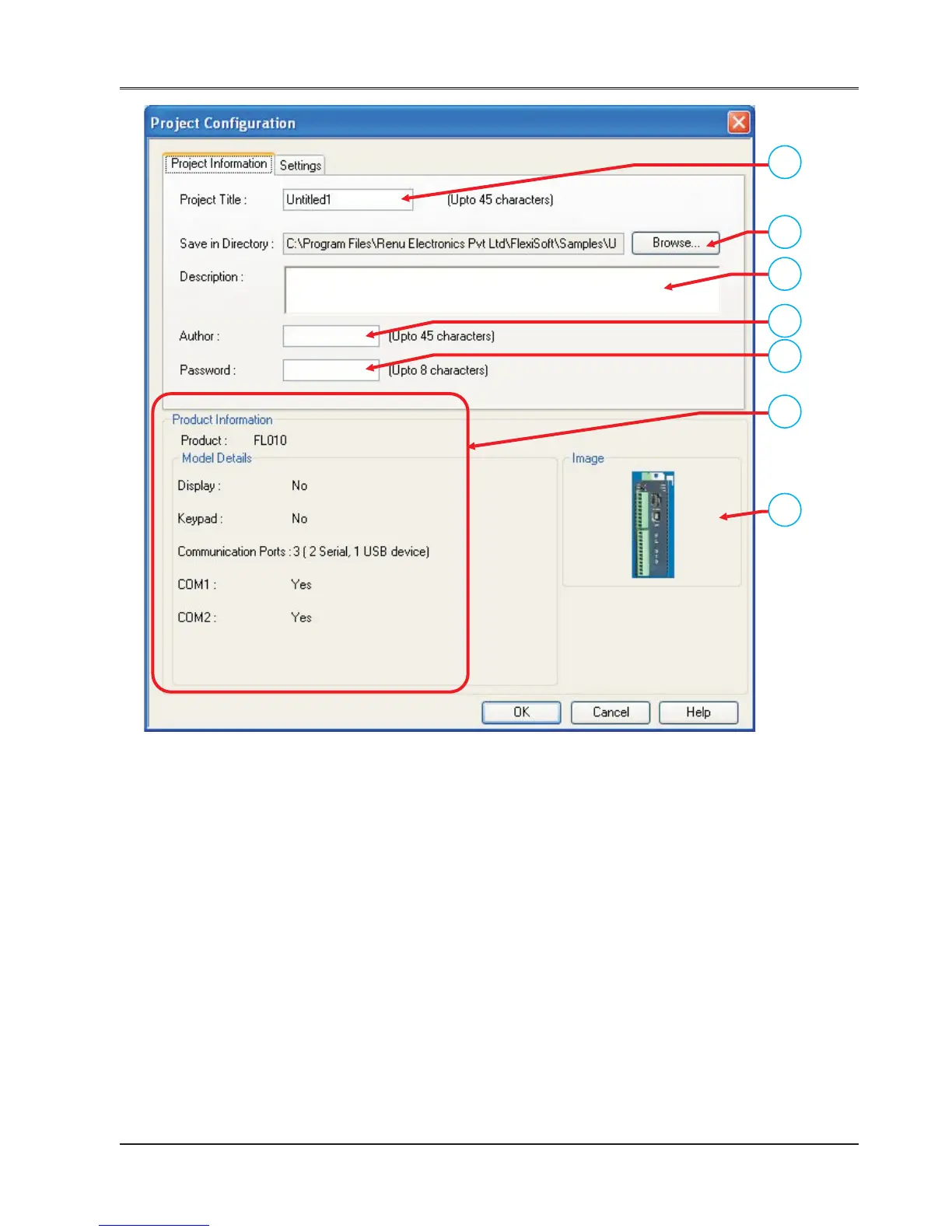
In this dialoge box section:
Point 1: You can define project name or can keep “Untitle” as default.
Point 2: You can define path for the project to be saved.
Point 3: You can mention any special note; if required.
Point 4: You can define author name.
Point 5: You can define “password” for the project you created.
Point 6: You can see the information of the model selected.
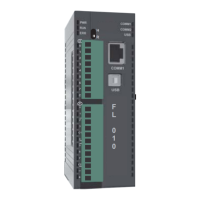
Point 7: You can see the image of the model you selected.
Note: Point 6 and 7 will appear with all tabs of “Project Configuration” docker.
3. Press “OK” button.
You can see a application window listing information as Logic blocks, tasks, tags and Network Configuration.
After setting macro level parameters from these project items, your application is ready for downloading.


 To Next Page