Chapter 7
7-6 BiPAP Focus Ventilator Service Manual © Respironics, Inc. REF 1029568 Rev B
Testing, Calibration, and Performance Verification
7.5 Real-time Clock
Calibration
Calibration software compares the ventilator real-time clock to service PC time
to determine exactly when an event occurs, Because the calibration fails if the
times do not match, perform the real-time clock calibration before you proceed
to the calibration procedure.
7.5.1 Downloading Real-Time Clock Calibration Software
Follow these steps to download the most current software to the service PC,
then perform the real-time clock calibration:
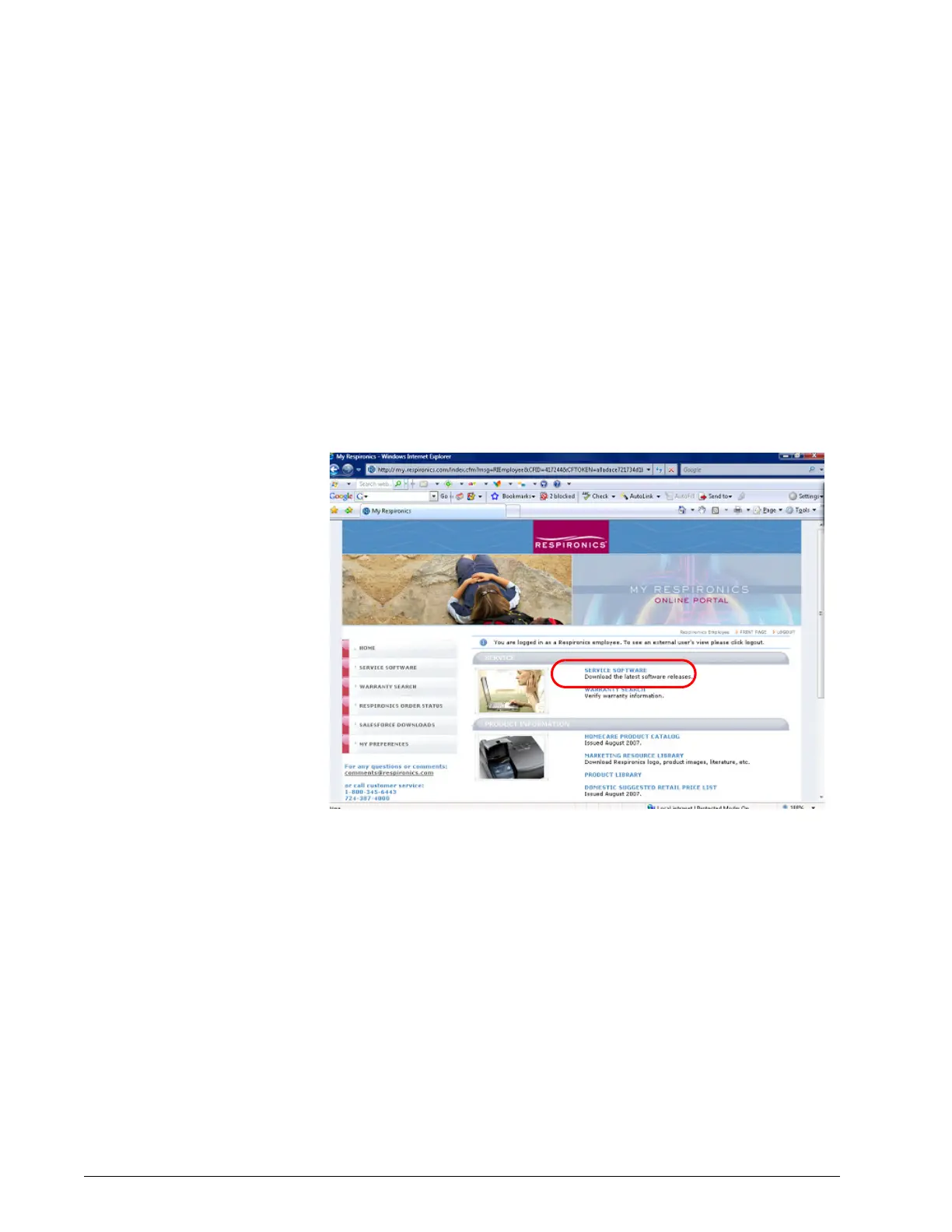
1. From the service PC, go to http://my.respironics.com and click on
Service Software (Figure 7-1).
Figure 7-1: Select Service Software


 To Next Page