Chapter 6
Ventilator Communications
REF 1029568 Rev B BiPAP Focus Ventilator Service Manual © Respironics, Inc. 6-5
6.2 Loading USB
Drivers to the Service
PC
Before installing ventilator operating software, USB drivers must be installed
onto the service PC. This is only done once per service PC. The USB drivers are
on software CD P/N 1063919.
1. Insert the software CD (P/N 1063919) into the service PC CD-ROM
drive.
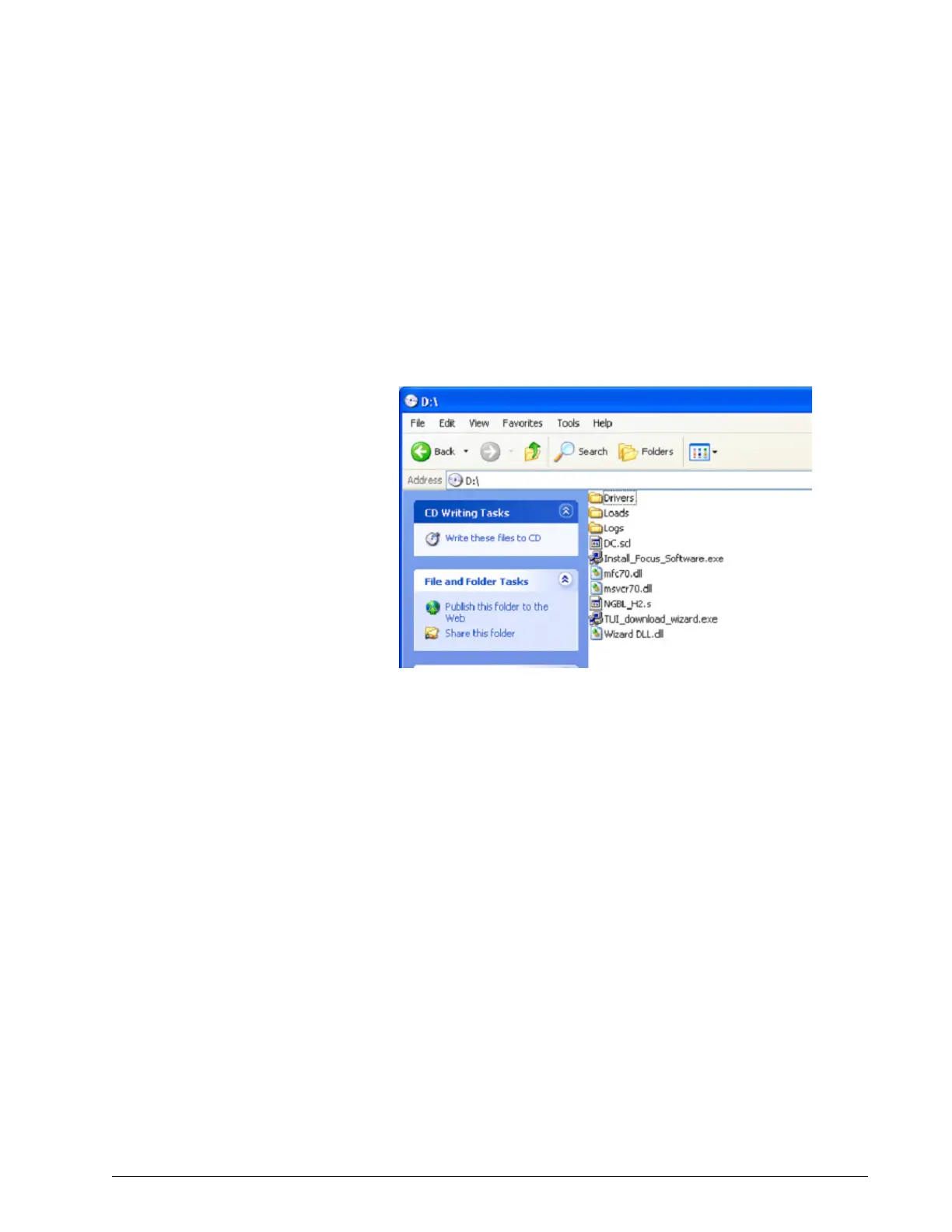
2. Using Windows Explorer to navigate to the CD-ROM drive, then
double-click to display the CD files (Figure 6-5).
Figure 6-5: Files on the CD (P/N 1063919)
3. At Can Windows connect to Windows Update to search for software?
click Yes, this time only then Next.
4. Select Install the Software Automatically (Recommended) then click
Next (Figure 6-6). The Wizard begins searching.


 To Next Page