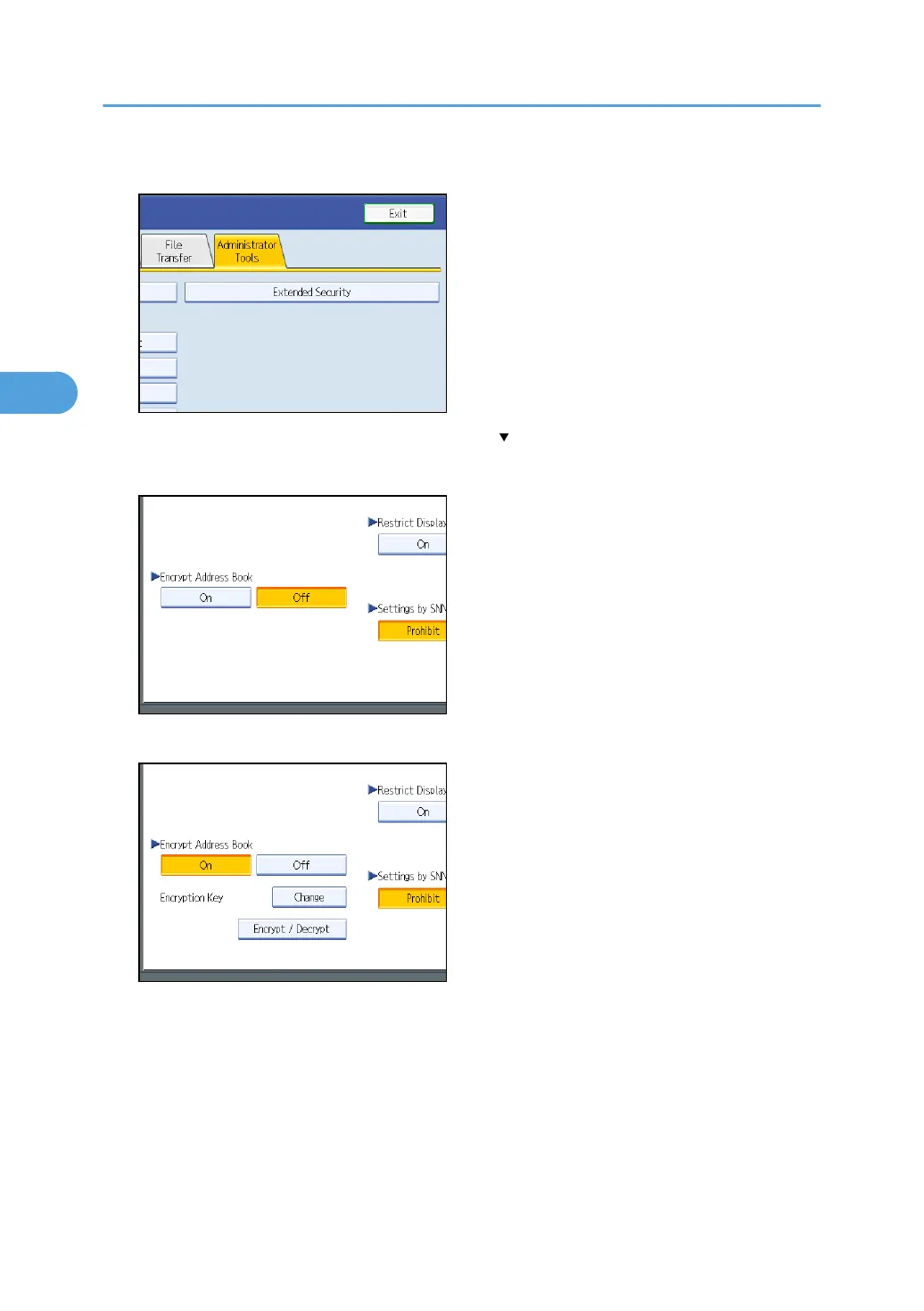
4. Press [Extended Security].
If the setting to be specified does not appear, press [ Next] to scroll down to other settings.
5. Press [On] for “Encrypt Address Book”.
6. Press [Change] for “Encryption Key”.
7. Enter the encryption key, and then press [OK].
Enter the encryption key using up to 32 alphanumeric characters.
8. Press [Encrypt / Decrypt].
9. Press [Yes].
Do not switch the main power off during encryption, as doing so may corrupt the data.
Encrypting the data in the address book may take a long time.
3. Ensuring Information Security
82



 To Next Page