61
4.3.5 Firmware Update
Firmware update operation video:
https://drive.google.com/drive/folders/19A8Rha_sWYuJ6nMGB7S9S7LuoNepe4by?usp=sharing
Press and hold and power on RD6012P, enter the boot mode, then connect it to
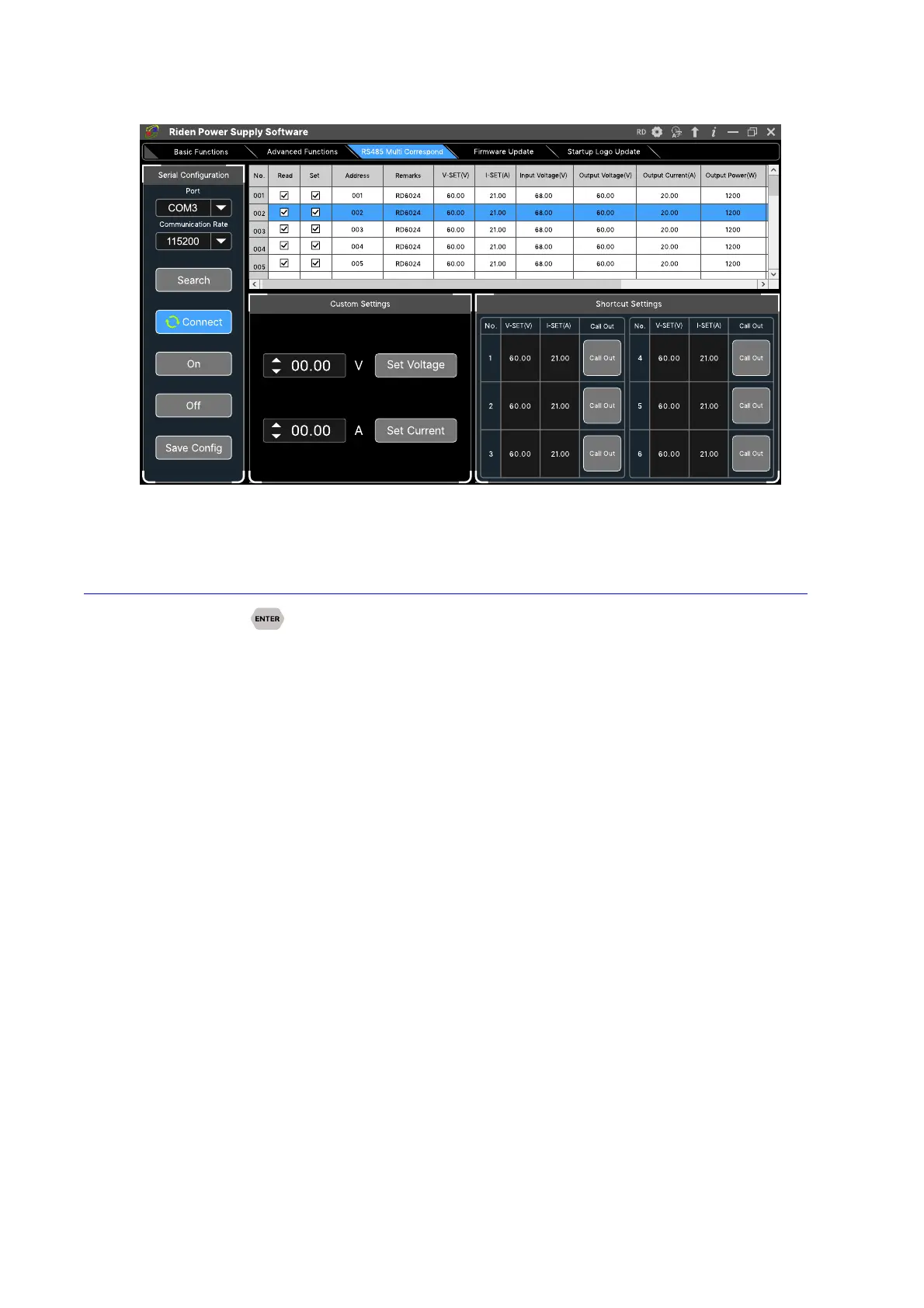
computer, there will be “boot mode” in the mode information text box, then click “Firmware
Update”, a firmware update prompt will pop up on the interface, and click “Now” to upgrade. (You
can update the firmware under the normal mode, if it cannot be started up normally, you should
press and hold the “ENTER” button and power on, update it under boot mode. It doesn’t support
firmware update under WiFi connection mode).



 To Next Page