62
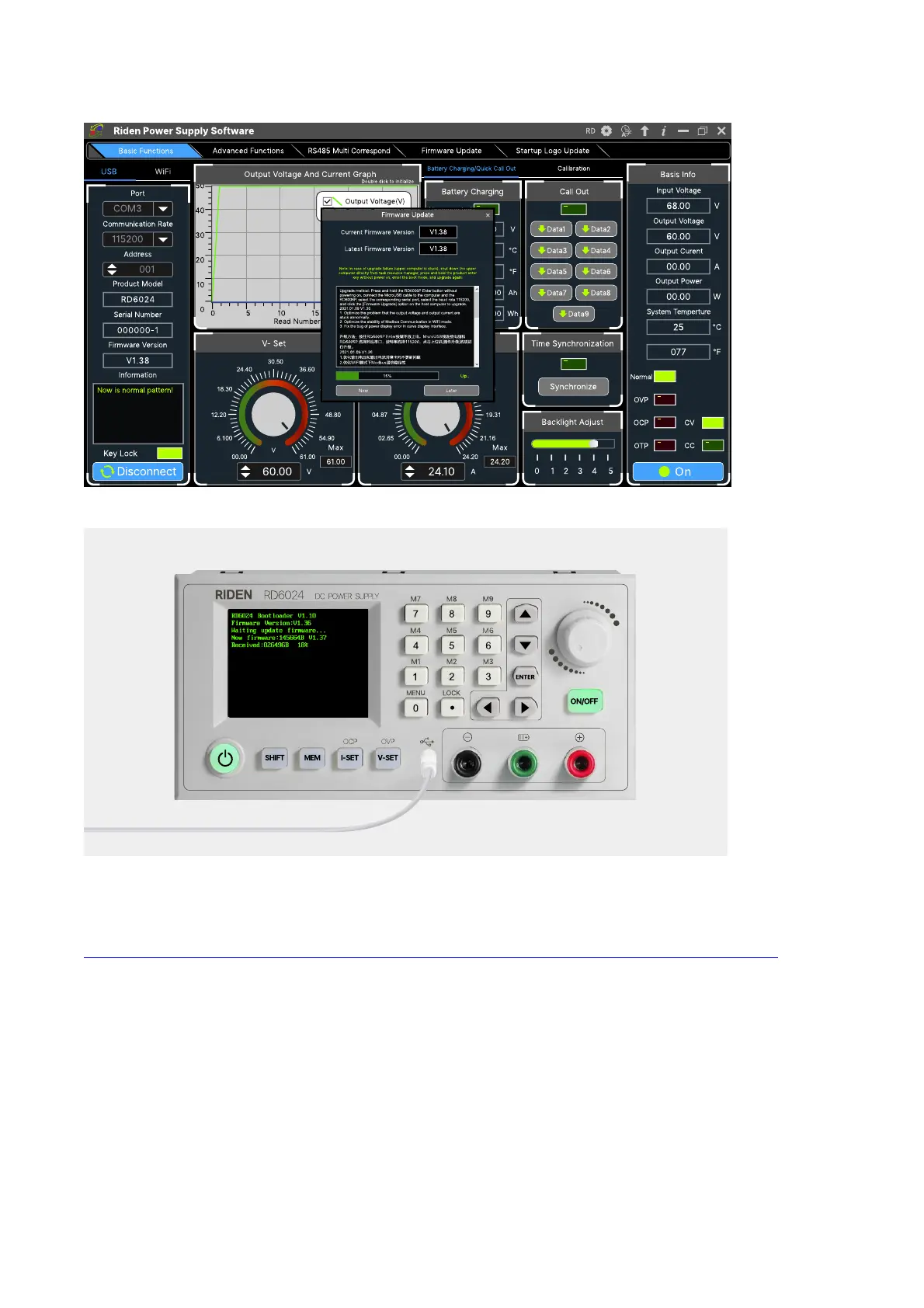
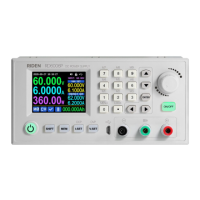
During the firmware upgrade process, the interface is displayed as follows:
4.3.6 Boot Logo Update
Boot logo setting video:
https://drive.google.com/drive/folders/1J0iOyxZ8DSJaDQD2xgrlukBwJBELQBzf?usp=sharing
Click “Start Logo Update”, a Logo upgrade prompt will pop up on the page, please select a
picture. Some logo samples can be used in the installation package.


 To Next Page