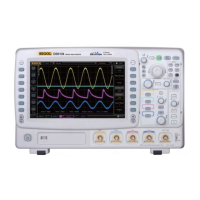
RIGOL
DS6000 User’s Guide
One-key Bitmap Saving
After a USB flash device is connected, press the print key at the
front panel to quickly save the current screen image under the root
directory of the USB flash device in bitmap mode (*.bmp).
5. CSV
Save the waveform data displayed on the screen or of the specified channels in
external memory in a single “*.csv” file. You can specify the file name and the
saving directory and save the corresponding parameter file (*.txt) under the
same directory using the same file name. The recall of CVS and parameter files
is not supported.
After selecting this type:
Press the DataLength softkey to select “Displayed” or “Maximum”. After
selecting “Maximum”, press the Channel softkey to select the desired channel
(note that only channels currently opened can be selected).
Press the Para.Save softkey to enable or disable the parameter save function.



 To Next Page
 Loading...