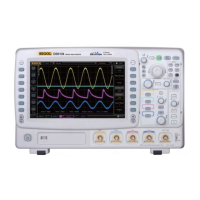
RIGOL
DS6000 User’s Guide
Screen
When the oscilloscope enters the idle state and holds for a certain period of time, the
screen saver program will be enabled.
Press UTIL System Screen to turn on the screen saver setting menu.
“Default” means using the icon RIGOL as the screen saver icon.
Press Time to select the time of the screen saver. When “OFF” is selected, the screen
saver program is disabled. The time of the screen saver can be set to: 1 min, 2 min,
5 min, 15 min, 30 min, 45 min, 60 min, 2 hour or 5 hour.



 To Next Page
 Loading...