RIGOL
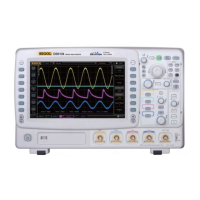
DS6000 User’s Guide
Remote Control via USB
1. Connect the device
Connect the oscilloscope (USB DEVICE) with your PC using a USB cable.
2. Install the USB driver
This oscilloscope is a USBTMC device. Assuming that your PC has already been
installed with Ultra Sigma, after you connect the oscilloscope to the PC and turn
both on for the first time, the PC will display a New Hardware Wizard as shown
in the figure below. Please install the “USB Test and Measurement Device” driver
following the directions in the wizard. The steps are as follows:



 To Next Page
 Loading...