98
Store Operations
Important
During store, most of the keys such as the A/C/
FLAT key and Fast/Slow key are inoperative.
Only the following four keys can be used: Start/
Stop, Pause/Cont, Mode, Light. All other set-
tings must be made before starting the store.
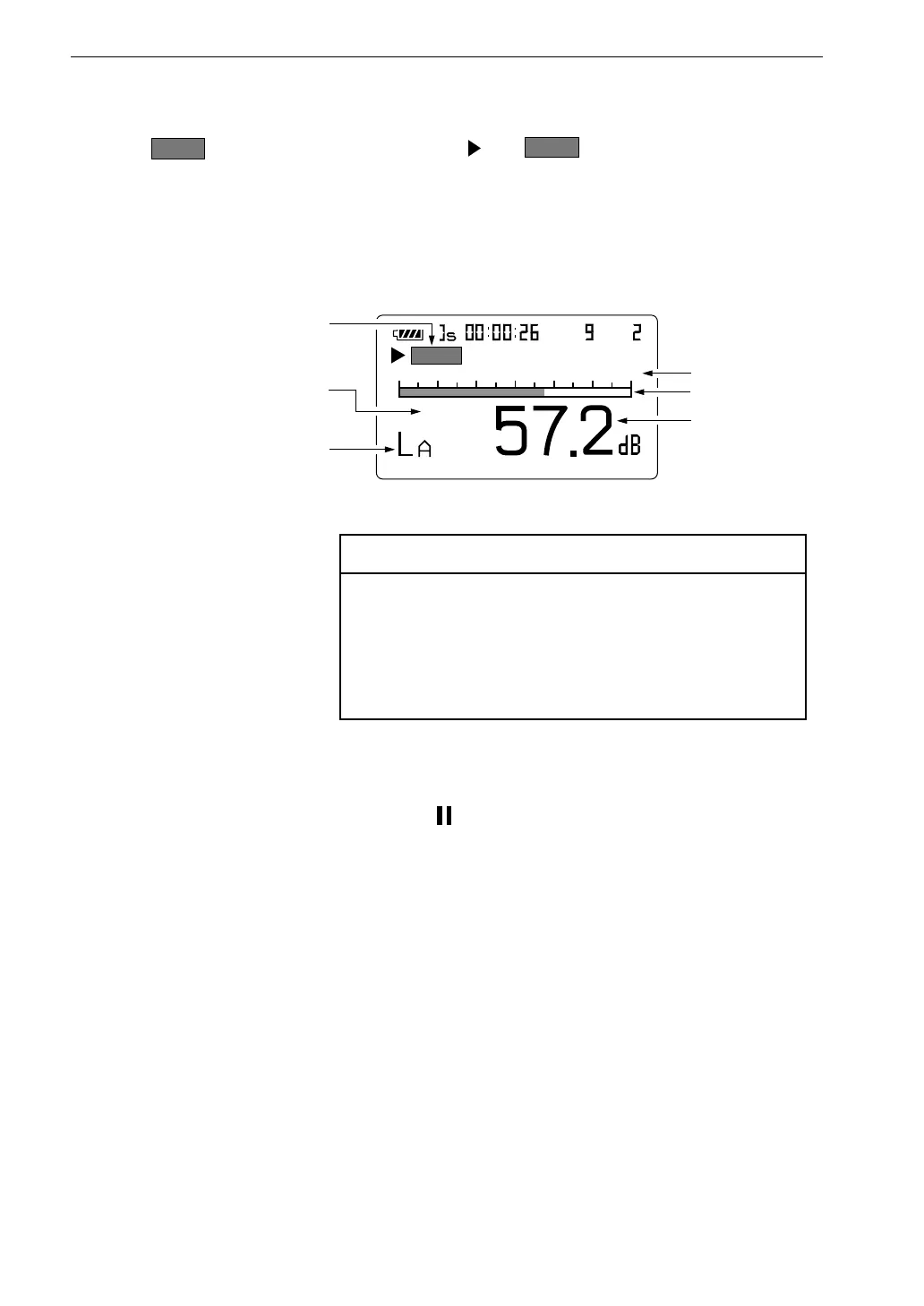
2 0
8 0
F a s t
S t o r e
A u t o
S e l e c t f r e q u e n c y w e i g h t i n g
w i t h A / C / F L A T k e y
S e l e c t t i m e w e i g h t i n g
( d y n a m i c c h a r a c t e r i s t i c s )
w i t h F a s t / S l o w k e y
S h o w n d u r i n g a u t o s t o r e
L e v e l r a n g e
B a r g r a p h
L e v e l r e a d i n g
M e a s u r e m e n t s c r e e n
Normal Auto 2 store
S t a r t
lights up for 1 second, and the and
S t o r e
indication flash to indicate
that store is being carried out. The elapsed time (time that 1 data set has been
measured) is also shown.
The address always starts from 1.
During store, the Pause/Cont key can be used to pause and resume the store.
During pause, the pause symbol ( ) is shown.
The pause time is not counted as store time.



 To Next Page