95
Store Operations
Auto 2
Using an optional memory card (compact flash card) allows continuous storing
of up to 99999 data sets of processed values.
One data set comprises the equivalent continuous sound level, sound exposure
level, maximum value, minimum value, and percentile sound level (5 selectable
values), resulting in a total of 9 data. If auxiliary processing is set to "On", the
total is 10 data.
Storing Data
The procedure for Auto 2 storing is as follows.
Verify that the memory card is inserted in the card slot.
1. Turn the unit on.
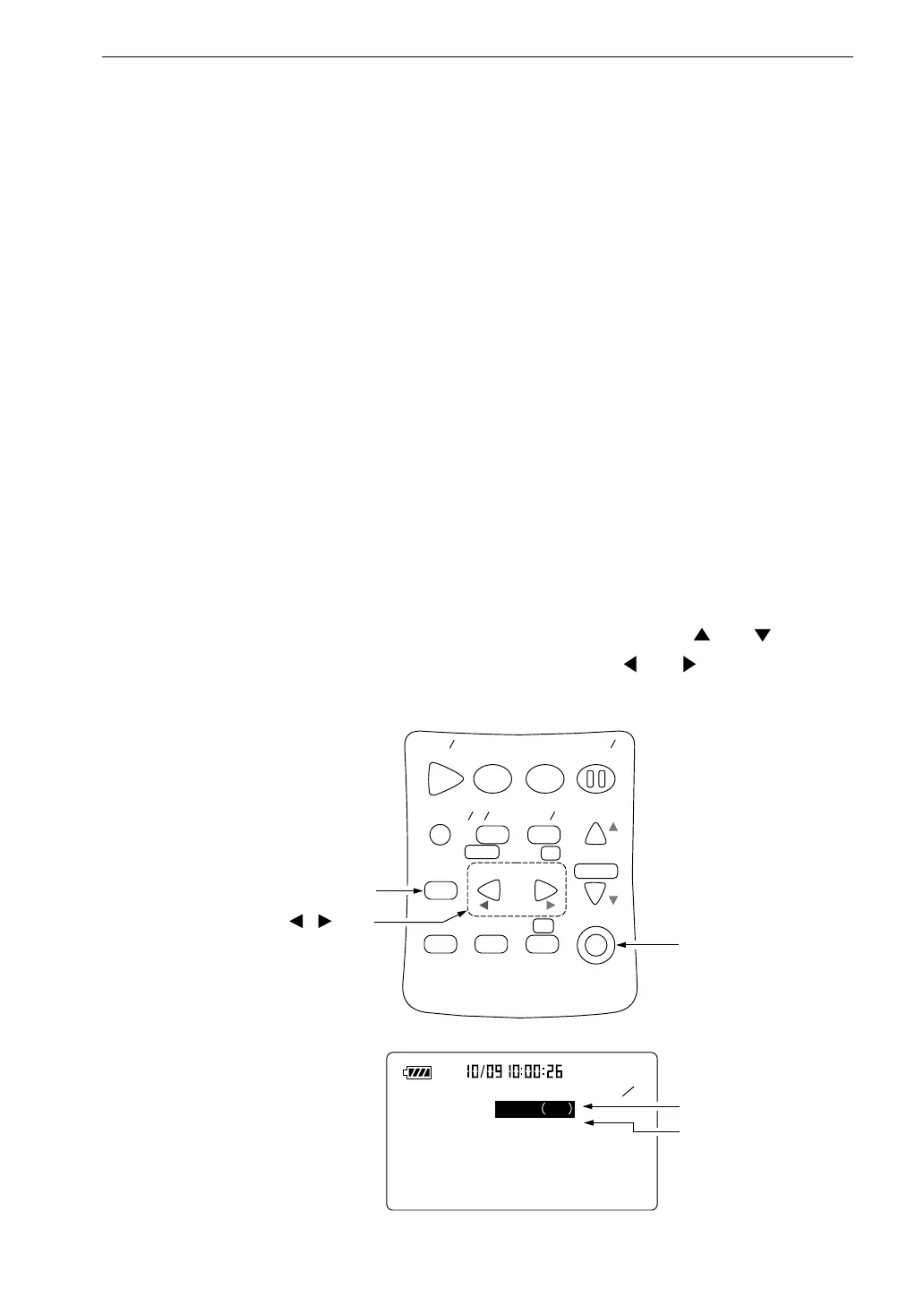
2. Press the Menu key to call up the menu screen.
3. Use the Page Up/Down keys to display the menu screen 2/5.
4. If the Store Mode item is not set to "Auto 2", use the and keys to
move the highlight to the item and use the and keys to set it to
"Auto 2". To use the timer function, select "Timer Auto 2".
S t a r t
S t o p S t o r e
M o d e
P a u s e
C o n t
F a s t S l o w
M e n u
P a g e
R a n g e
R e c a l l
F r e q
L i g h t P r i n t
P o w e r
S O U N D L E V E L M E T E R
R e c a l l
d a t a
D o w n
C a l a d j
C a l
U p
A C
F L A T
N L - 2 1
< S t o r e >
2 5
S t o r e m o d e : A u t o 2
L e q
F i l e n a m e : A U 2 _ 1 2 3 4
S t o r e m o d e
F i l e n a m e
( 4 - d i g i t n u m b e r )
R e c a l l k e y
P o w e r k e y
M e n u s c r e e n 2 / 5
R e c a l l D a t a , k e y s



 To Next Page