94
Store Operations
3. Use the Page Up/Down keys to go to the page with the desired file
name.
4. Use the and keys to highlight the desired file name.
5. Press the Recall key.
The data of the selected file are shown on the display.
6. Use the and keys to view the data for the desired measurement
elapsed time.
7. To terminate the recall mode, press the Recall key or the Pause key.
Then, press the Pause key.
Note
When recalling Auto 1 store data, the displayed time
is always the measurement start time, regardless of
the elapsed time for the data currently displayed. It is
not the time when the displayed data were stored.
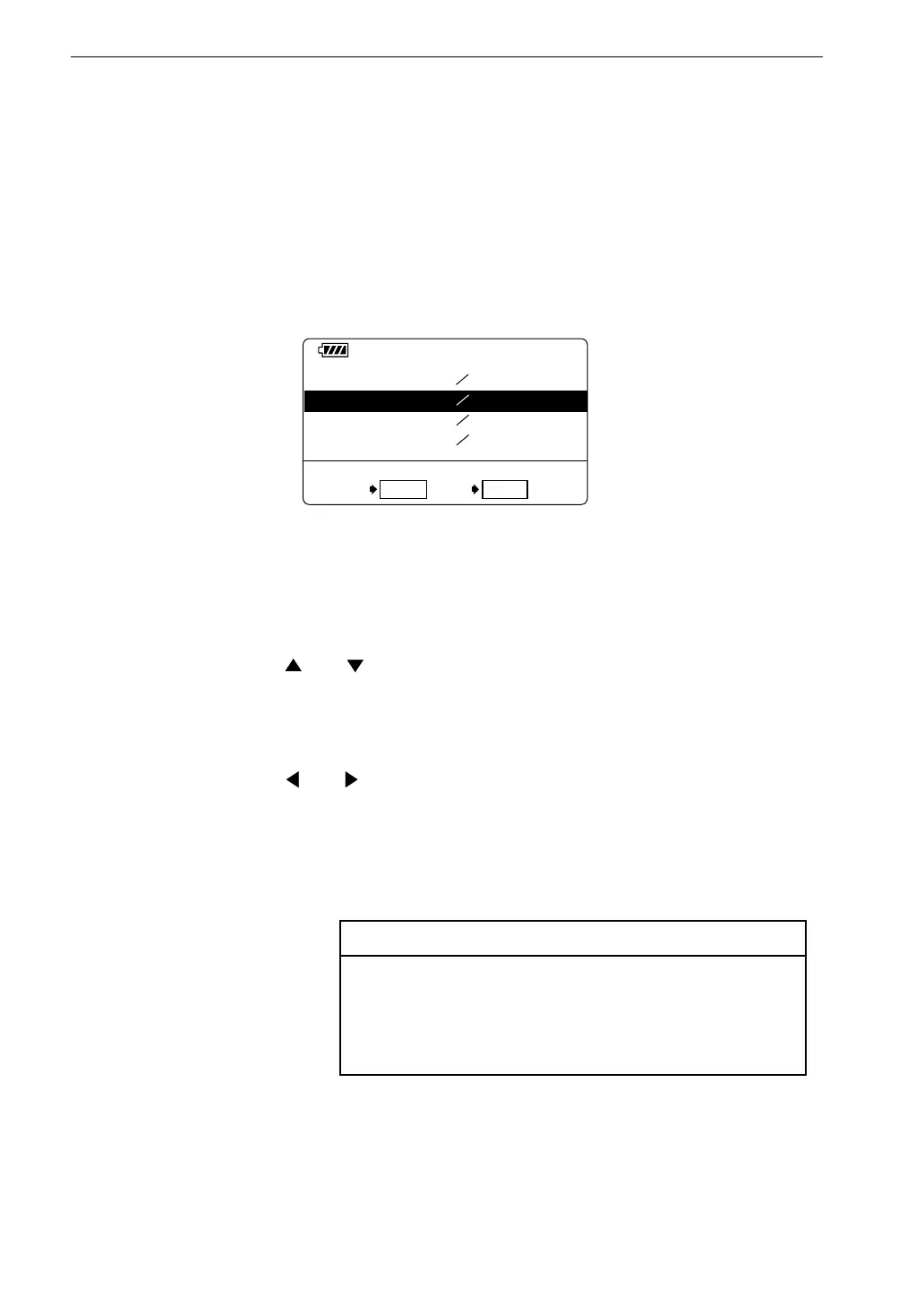
A U 2 _ 0 0 0 1 0 1 2 2 1 5 : 0 0
A U 1 _ 0 0 0 2 0 1
2 3 0 8 : 3 0
M e m o r y l e f t
3 2 4 4 k
O K R e c a l l C l o s e P a u s e
1
A U 1 _ 1 1 0 0 0 1 2 0 1 2 : 1 5
M A N _ 0 0 0 1
0 1
2 0 1 3 : 1 0
C a r d r e c a l l s c r e e n
Reading Stored Data
To read data stored in Auto 1 mode, proceed as follows.
Verify that the memory card is inserted in the card slot.
1. Turn the unit on.
2. Press the Recall key to bring up the card recall screen.
The data are sorted by measurement start time, in descending order.



 To Next Page