77
Measurement
1 5
< S y s t e m >
M e a s . t i m e : 1 0 m i n
B a c k E r a s e : O n
C a l M o d e : I n t e r n a l
F i l t e r : O f f
B a c k - e r a s e f u n c t i o n
M e n u s c r e e n 1 / 5
A u t o
C a r d
2 0
8 0
F a s t
E
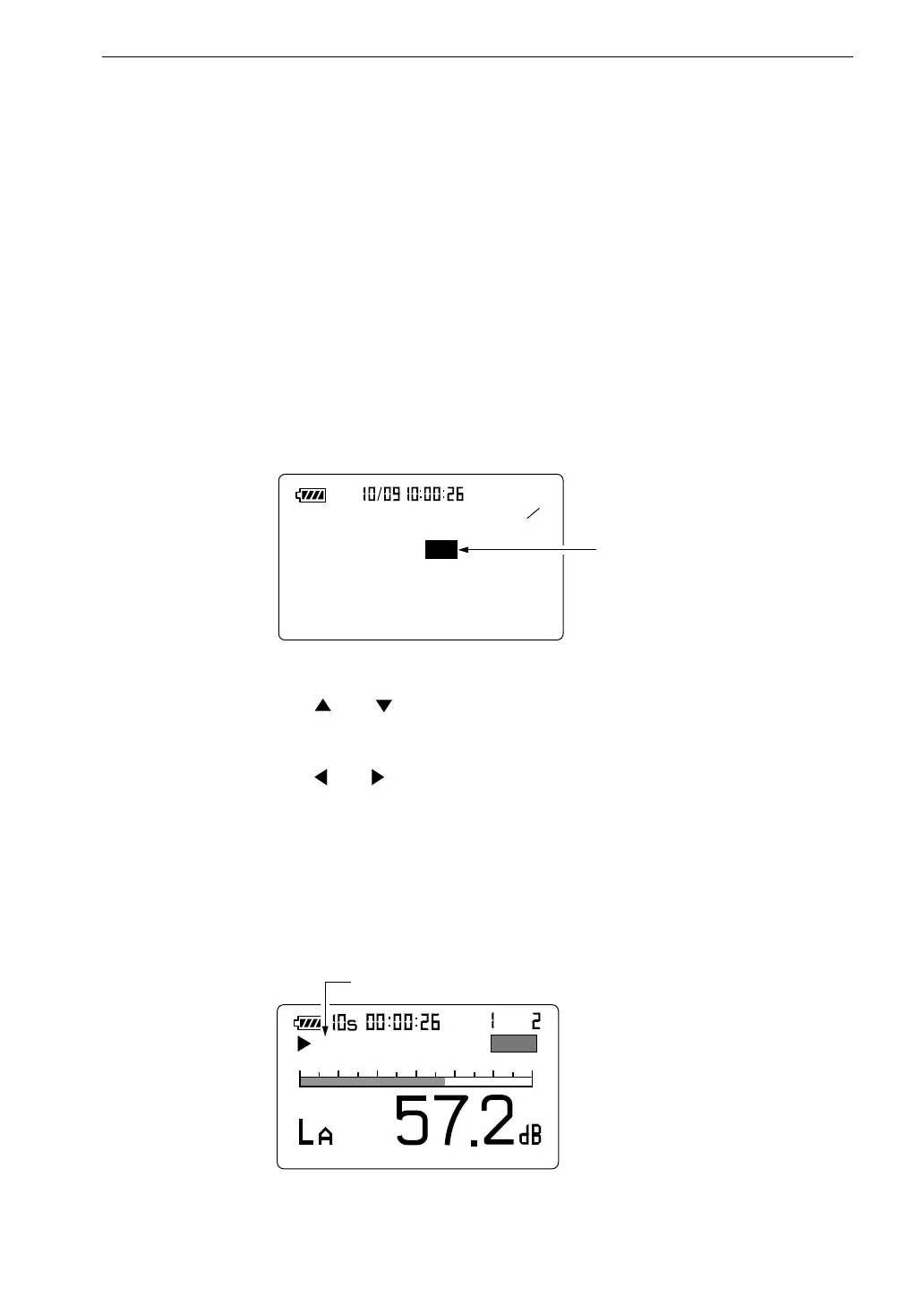
S h o w s t h a t b a c k - e r a s e i s O N .
M e a s u r e m e n t s c r e e n
Back-Erase Function
When a measurement is being carried out and data are being processed, the
Pause/Cont key can be used to pause the measurement (i.e. to exclude data
from the point at which the key has been pressed), but it is also possible to
exclude (back-erase) data from an interval of 5 seconds before the key was
pressed.
The data that are to be excluded are shown at the bottom of the measurement
screen.
To enable the back-erase function, proceed as follows.
1. Press the Menu key to display the menu screen 1/5.
2. Use the and keys to move the highlight to the "Back Erase: Off"
item.
3. Use the and keys to change the setting from "Off" to "5sec".
Press the menu key to return to the measurement screen.
The indication "E" is shown on the display, indicating that the data
back-erase function has been enabled.
If the Pause key is pressed during processing, the data from the
5-second interval before the key was pressed are discarded.



 To Next Page