36
Reading the Display
Menu screens
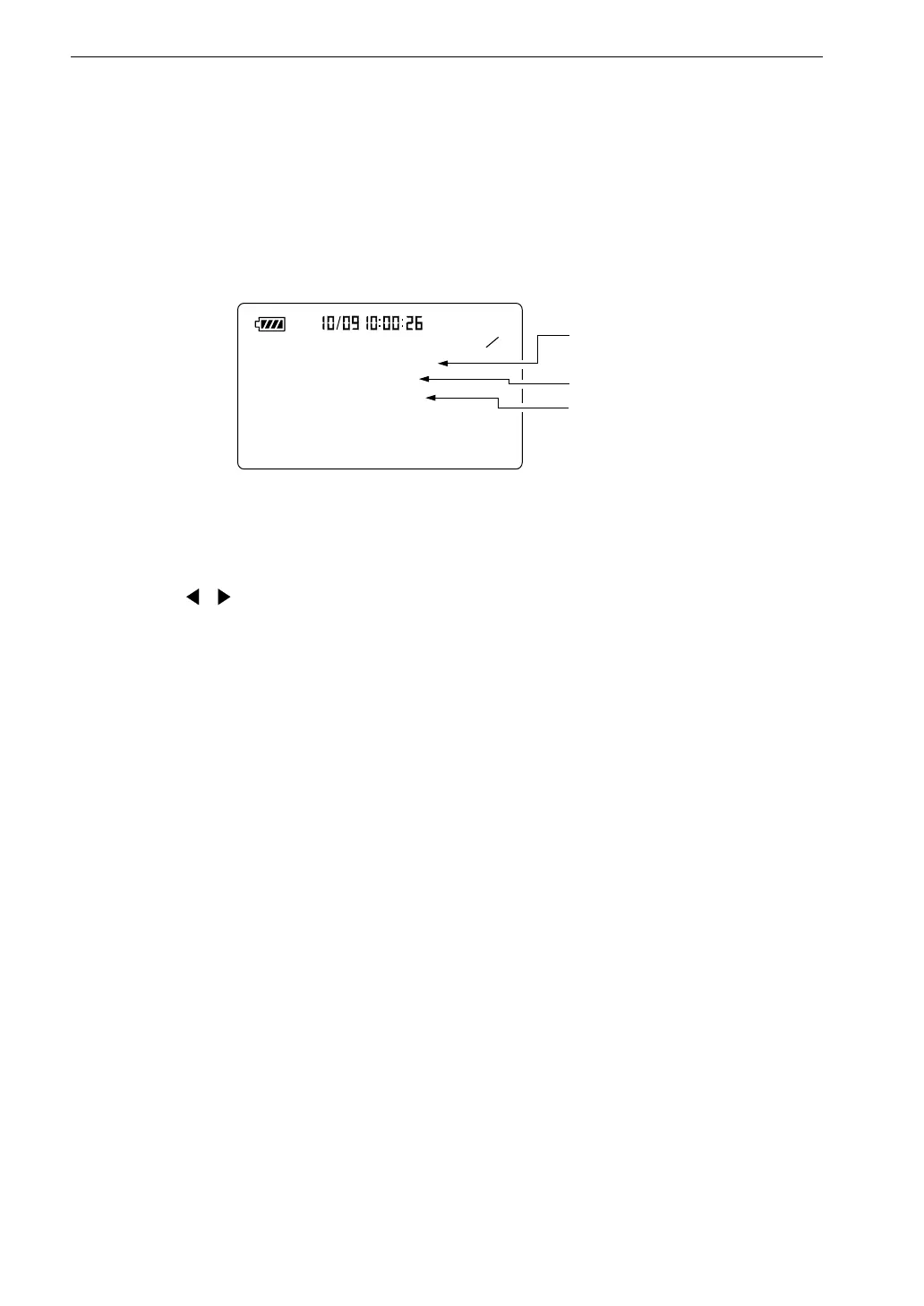
There are five menu screens numbered 1/5 through 5/5.
Menu screen 1/5
1 5
< S y s t e m >
M e a s . t i m e : 1 0 m i n
B a c k E r a s e : O f f
C a l M o d e : I n t e r n a l
M e a s u r e m e n t t i m e s e t t i n g
( a c t u a l m e a s u r e m e n t t i m e )
D a t a e x c l u s i o n f u n c t i o n
C a l i b r a t i o n M o d e
M e n u s c r e e n 1 / 5
Meas. time (measurement time)
Use , keys to select the measurement time.
Manual → 10 sec → 1 min → 5 min → 10 min → 15 min → 30 min →
1 hour → 8 hours → 24 hours → Manual → ...
When set to Manual, the maximum measurement time is 200 hours.
Back Erase (data exclusion function)
This function allows excluding the last 5 seconds before activation of the pause
condition from processing.
Off: Normal pause function
5 sec: 5 seconds preceding pause are excluded
Cal mode (calibration mode)
Internal: Select this position for electrical calibration of the unit using the
built-in oscillator.
External: Select this position for acoustic calibration of the unit using a
pistonphone.



 To Next Page