50
Measurement
Equivalent Continuous Sound level (L
Aeq
) Measurement
The procedure for equivalent continuous sound level measurement is described
below.
Preparations as described in the previous chapter must be completed first.
1. Turn the unit on by pressing the Power key.
2. Select the frequency weighting with the A/C/FLAT key. For normal
measurements, select the "A" setting.
When "C" (C weighting) is selected, the equivalent continuous sound
level (L
Ceq
) is measured.
3. Use the Fast/Slow key to select the time weighting. Normally, the "Fast"
setting should be used.
A u t o
2 0
8 0
F a s t
m
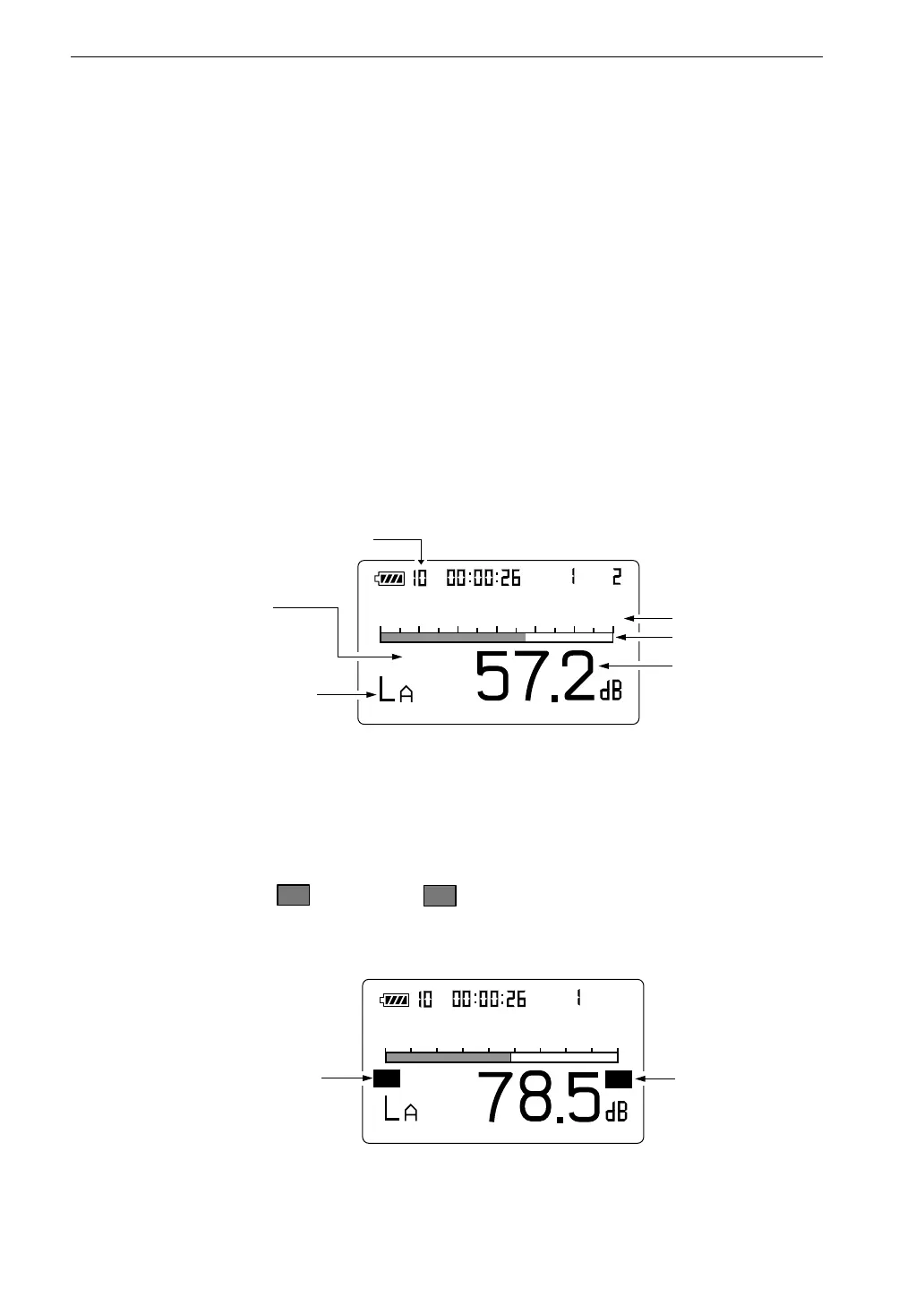
S e l e c t f r e q u e n c y w e i g h t i n g
w i t h A / C / F L A T k e y
S e l e c t t i m e w e i g h t i n g
w i t h F a s t / S l o w k e y
L e v e l r a n g e
B a r g r a p h
L e v e l r e a d i n g
M e a s u r e m e n t s c r e e n
M e a s u r e m e n t t i m e
M a n u
F a s t
O v
3 0 1 2 0
m
U n d e r - r a n g e
s i g n a l i n d i c a t o r
O v e r - r a n g e
s i g n a l i n d i c a t o r
M e a s u r e m e n t s c r e e n
U n
4. Use the Level Range keys to select the level range. Choose a setting in
which the bar graph indication registers to about the middle of the
range.
If the "
O v
" (Over) or "
U n
" (Under) indicators light up frequently,
change the level range setting.



 To Next Page