24
Preparations
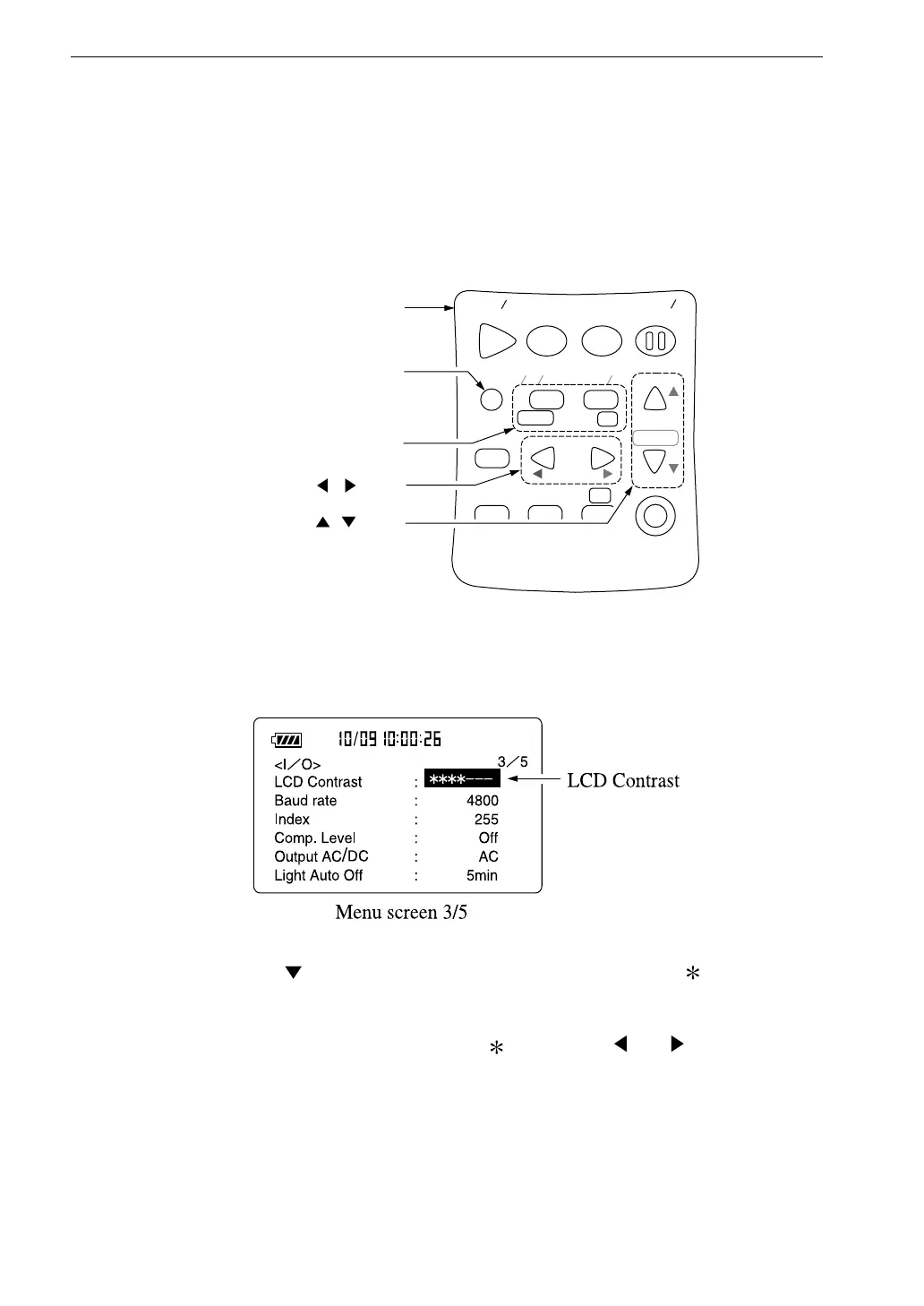
LCD Contrast
You can adjust the contrast of the display.
1. Press the Menu key.
The display changes to the menu screen.
S t a r t
S t o p
S t o r e M o d e
P a u s e
C o n t
F a s t
S l o w
M e n u
P a g e
R a n g e
R e c a l l
F r e q
L i g h t
P r i n t
P o w e r
S O U N D L E V E L M E T E R
R e c a l l
d a t a
D o w n
C a l a d j
C a l
U p
A
C F L A T
N L - 2 1
O p e r a t i o n k e y s
M e n u k e y
P a g e U p / D o w n k e y s
, k e y s
, k e y s
2. Use the Page Up/Down keys to switch to menu screen 3/5.
3. Use the key to move the cursor to the LCD Contrast marks. (The
item is shown in reverse.)
4. Increase or decrease number of marks with and keys to adjust
contrast
5. Press the Menu key again to return to the measurement screen.



 To Next Page