5
Controls and Functions
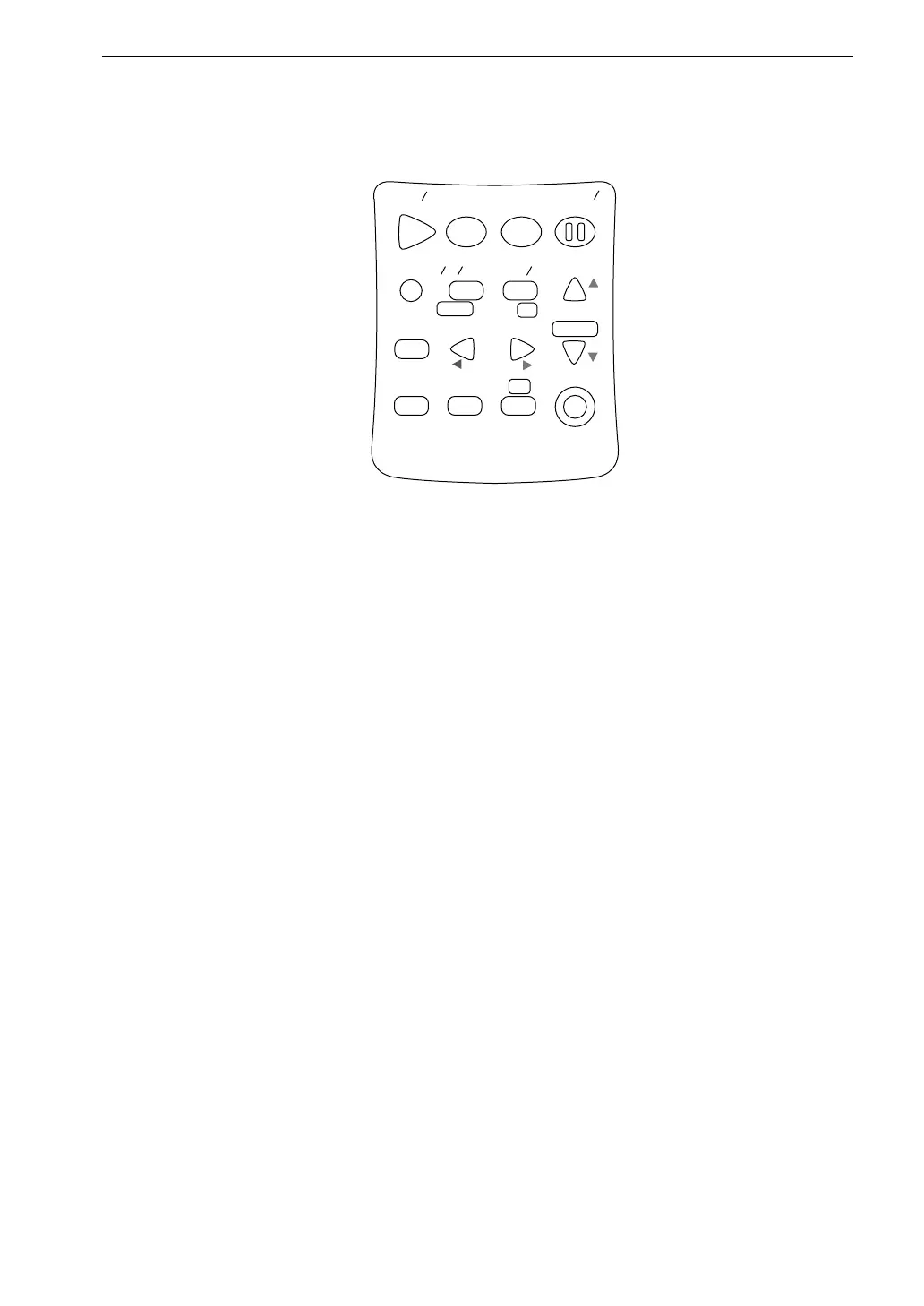
Operation Keys
S t a r t
S t o p
S t o r e
M o d e
P a u s e
C o n t
F a s t
S l o w
M e n u
P a g e
R a n g e
R e c a l l
F r e q
L i g h t
P r i n t
P o w e r
S O U N D L E V E L M E T E R
R e c a l l
d a t a
D o w n
C a l a d j
C a l
U p
A
C
F L A T
N L - 2 1
Start/Stop key
Press to start or stop the sound level measurement (including the various
processing functions).
Store key
Press to start auto store or store measurement data using manual store.
Mode key
This key is used for reading the measurement results. With each push of the
button, the display format is switched according to the processing types selected
from the menu.
Pause/Cont key
During a measurement, this key can be used to exclude unwanted portions
from processing. Pressing the key again causes processing to be resumed.
It is also possible to use the key for excluding an interval of up to 5 seconds
before the key was pressed.



 To Next Page