124
Optional Accessories
Level Recorder LR-06/LR-07/LR-04/LR-20A
For continuous recording of noise level changes, a level recorder can be
connected to the unit.
Sound level recording
The procedure for noise level recording on a level recorder is described below.
Before starting, connect the level recorder to the NL-21/NL-31 and turn power
on. Preparations as described in the chapter "Preparations" (page 20) must
also be completed. For details regarding use of the level recorder, please refer
to its documentation.
1. Call up the menu screen 1/5 and verify that the "Cal Mode" item is set
to "Internal". If "External" is shown, use the and keys to move
the cursor to "External" and use the and keys to set it to "Internal".
2. Use the Page Up/Down keys to display the menu screen 3/5.
3. Set the "Output AC/DC" item to "AC".
When the setting is complete, press the Menu key to return to the
measurement screen.
4. Press the Cal key to set the unit to the calibration mode.
5. Activate the paper feed and pen operation of the level recorder to start
recording.
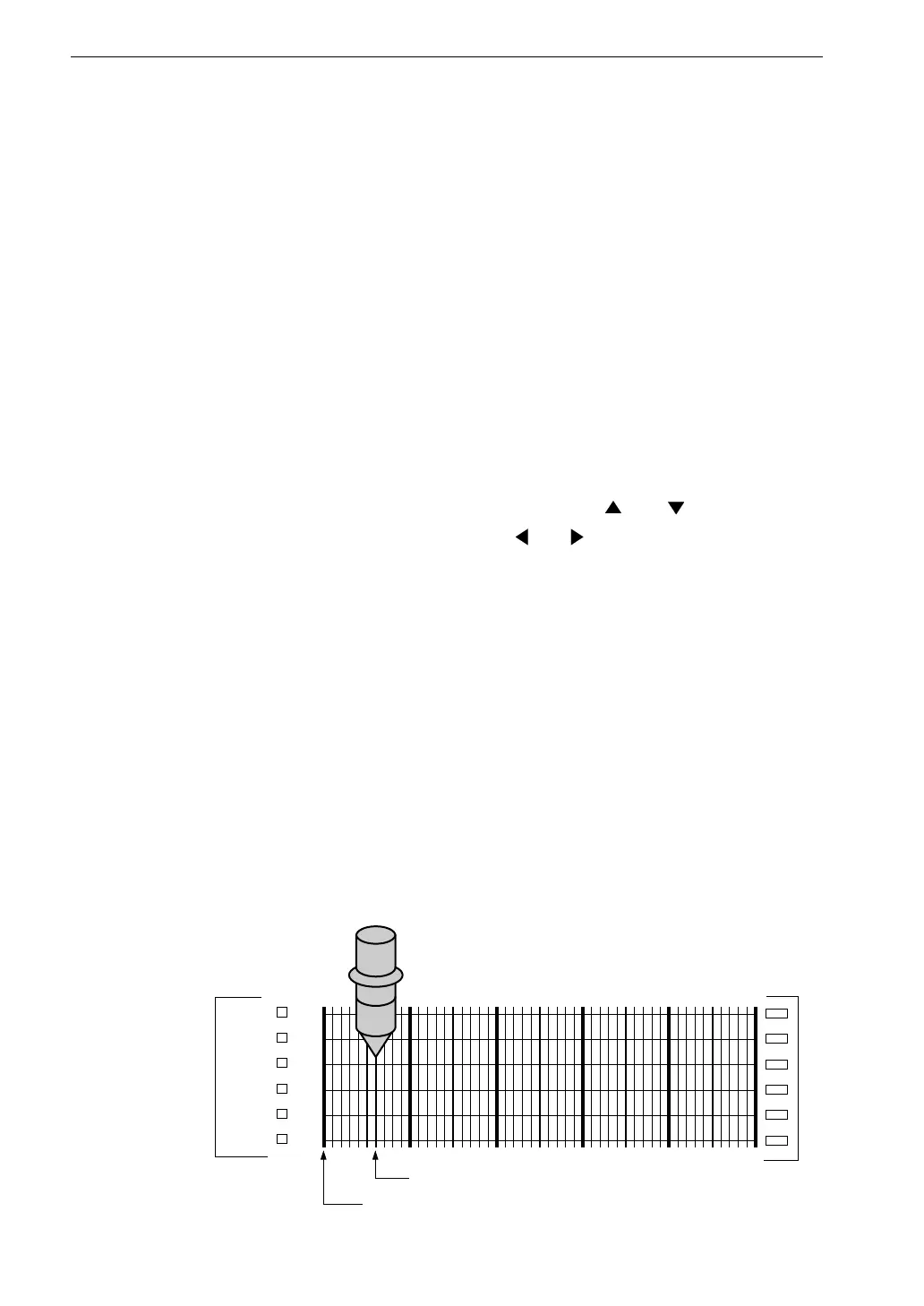
6. Adjust the level control (Level adj) of the level recorder so that the pen
is at a point -6 dB below the full-scale point.
R e c o r d i n g p e n
( R e c o r d i n g r a n g e s e t t o 5 0 d B )
- 6 d B p o i n t
F u l l - s c a l e p o i n t



 To Next Page