123
Optional Accessories
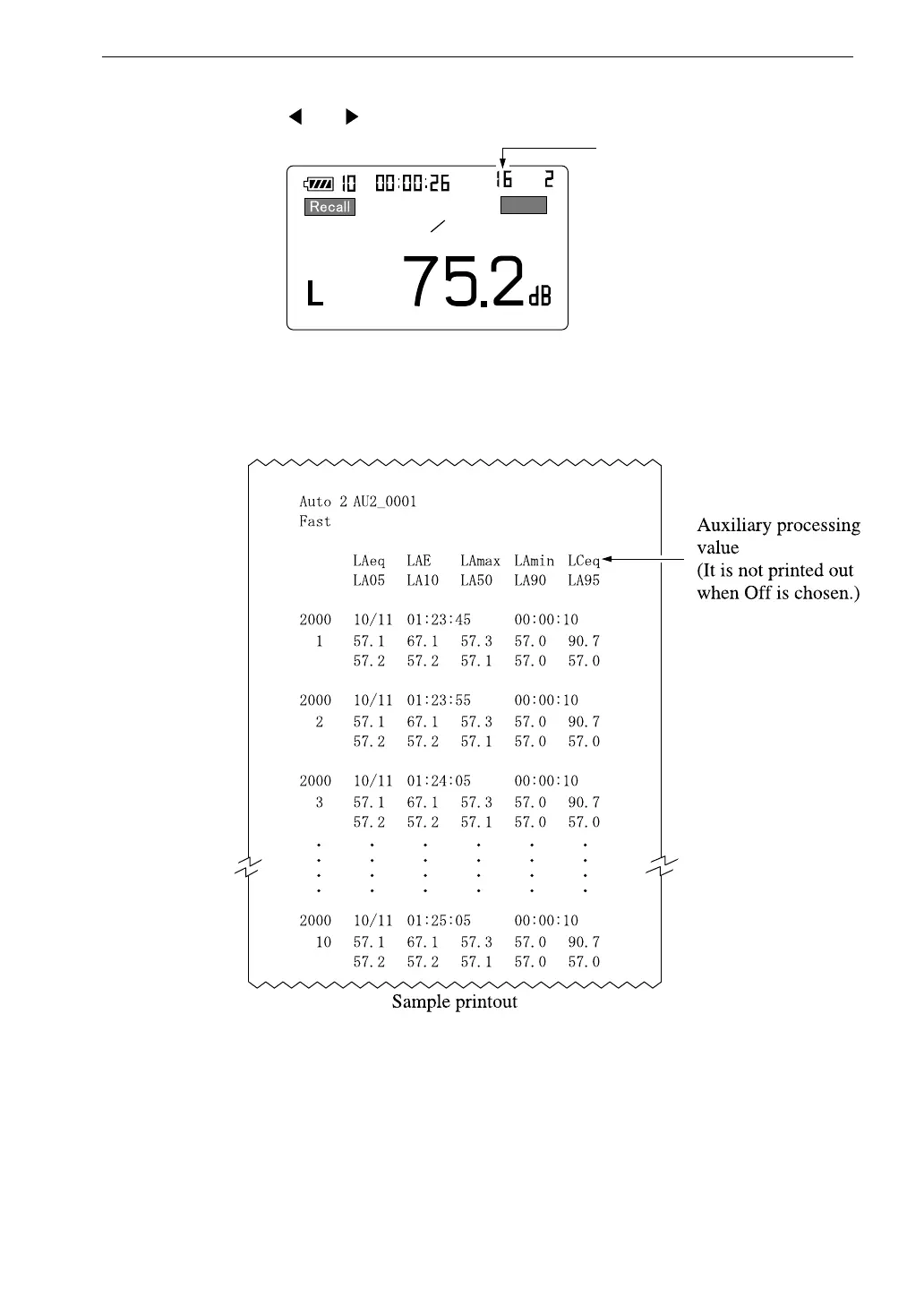
6. Use the and keys to select the data for printout.
R e c a l l s c r e e n
A u t o 2
C a r d
F a s t
D a t a N o .
A u t o
m
0 1 2 9 1 4 : 2 5 : 3 0
P e q
7. Press the Print key.
Example
When the Print key is pressed for the first time, 50 data sets starting from
the selected data number are printed out.
The next time the key is pressed, the subsequent 50 data sets are printed
out.
8. To terminate the recall mode, press the Recall key or Pause key. Then
press the Pause key.



 To Next Page