23
Preparations
Measurement in Dark Locations
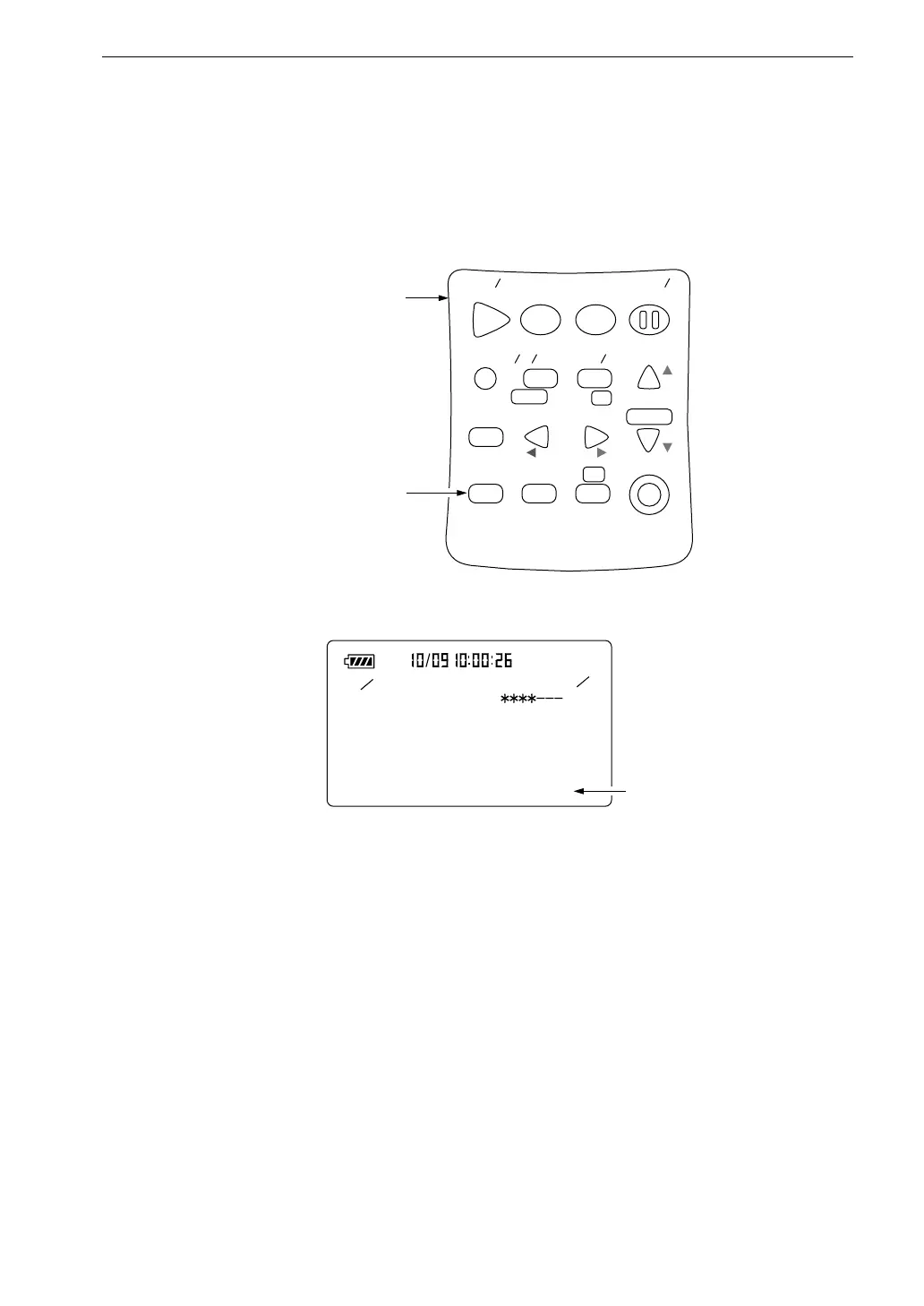
Pressing the Light key turns the display backlight on, making it easier to read
in dark locations. Pressing the key once more turns the light off.
S t a r t
S t o p
S t o r e
M o d e
P a u s e
C o n t
F a s t
S l o w
M e n u
P a g e
R a n g e
R e c a l l
F r e q
L i g h t
P r i n t
P o w e r
S O U N D L E V E L M E T E R
R e c a l l
d a t a
D o w n
C a l a d j
C a l
U p
A
C F L A T
N L - 2 1
O p e r a t i o n k e y s
L i g h t k e y
< I O >
L C D C o n t r a s t :
B a u d r a t e : 4 8 0 0
I n d e x : 2 5 5
C o m p . L e v e l : O f f
O u t p u t A C / D C : A C
L i g h t A u t o O f f : 5 m i n
3
5
L i g h t A u t o O f f
( A u t o m a t i c b a c k l i g h t o f f )
5 m i n / C o n t .
M e n u s c r e e n 3 / 5
If the "Light Auto Off" item on the menu screen 3/5 is set to "5 min", the
backlight turns itself off automatically after 5 minutes. When the item is set to
"Cont.", backlighting is turned on and off with the Light key.
When the backlight is used continuously, battery life will be shortened to about
half.



 To Next Page