22
Preparations
Note
The clock IC used in this unit has an error of about 1
minute per month. Before measurement, be sure to
check and set the time if required.
An internal rechargeable backup battery keeps the
clock of the unit running when the power is turned
off. The backup battery is recharged by the main bat-
teries. The clock will keep running for about 1.5
months on the backup battery alone. If the unit is not
to be used for an extended period, the main batteries
should be taken out to prevent possible damage due
to battery fluid leakage. After reinserting the batter-
ies, be sure to set the date and time.
When there is no card in the card slot
5 5
< M e m o r y >
M a n u a l d a t a c l e a r :
< T i m e s e t t i n g >
D a t e y / m / d : 2 0 0 0 / 1 2 / 2 5
T i m e : 1 1 : 2 2 : 3 3
C u r r e n t d a t e
( y e a r , m o n t h , d a y )
C u r r e n t t i m e
( h o u r s , m i n u t e s , s e c o n d s )
M e n u s c r e e n 5 / 5
O f f
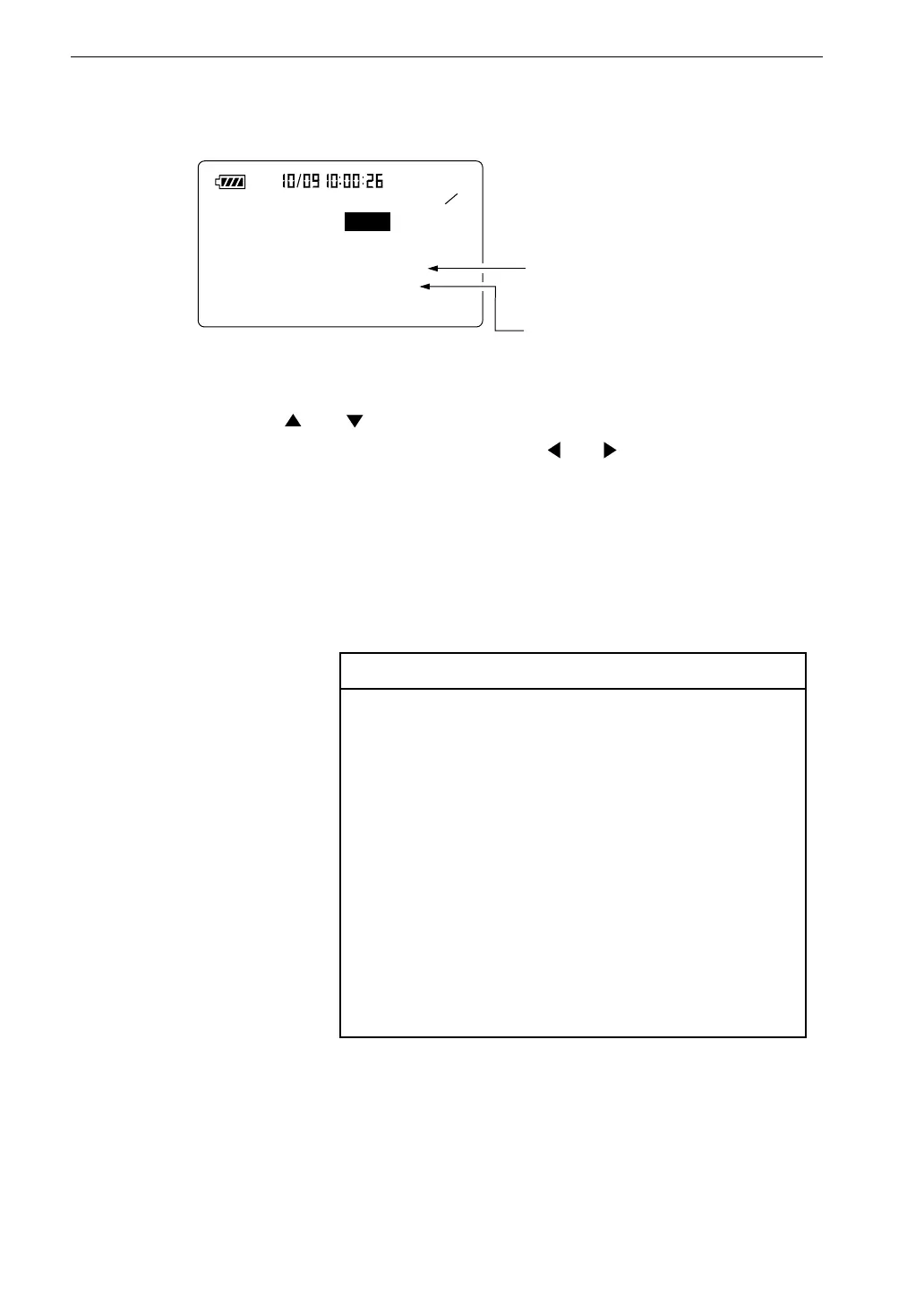
4. Use the and keys to move the highlight (field shown in reverse)
to the item you want to set, and use the and keys to set the current
date and time.
5. Press the Start key.
The internal clock begins to run with the selected settings.
6. Press the Menu key again to return to the measurement screen.



 To Next Page