125
Optional Accessories
7. Press the Cal key once more to return to the measurement mode.
8. Use the A/C/FLAT key to set the frequency weighting. The time
weighting is adjusted at the level recorder.
9. Use the Level Range keys to select the level range. Choose a setting in
which the "Over" or "Under" indication does not appear.
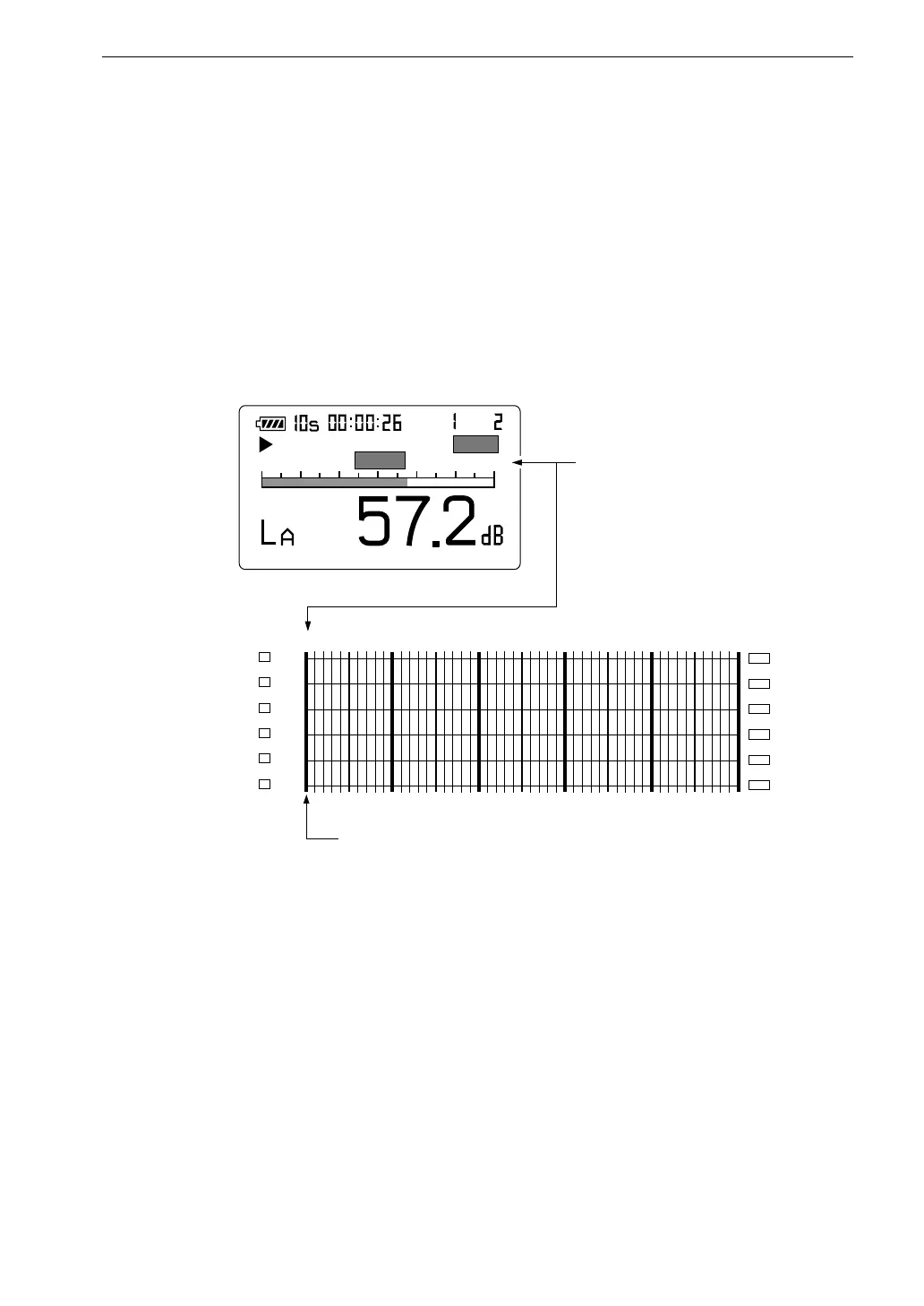
The upper limit of the level range selected at the NL-21/NL-31 becomes
the full-scale point of the level recorder.
1 1 0 d B
1 0 0 d B
9 0 d B 8 0 d B 7 0 d B
6 0 d B
S t a r t
A u t o
C a r d
2 0
F a s t
E
1 1 0
F u l l - s c a l e p o i n t
M e a s u r e m e n t s c r e e n
F u l l - s c a l e p o i n t
( R e c o r d i n g r a n g e s e t t o 5 0 d B )



 To Next Page