118
Optional Accessories
Printing out data stored with manual mode in the internal
memory
The following explanation assumes that data have been stored in the memory
of the unit. For an explanation of the store process, see the section "Store
Operations".
To print out the data, proceed as follows.
1. Verify that the no memory card is inserted in the card slot.
2. Press the Recall key.
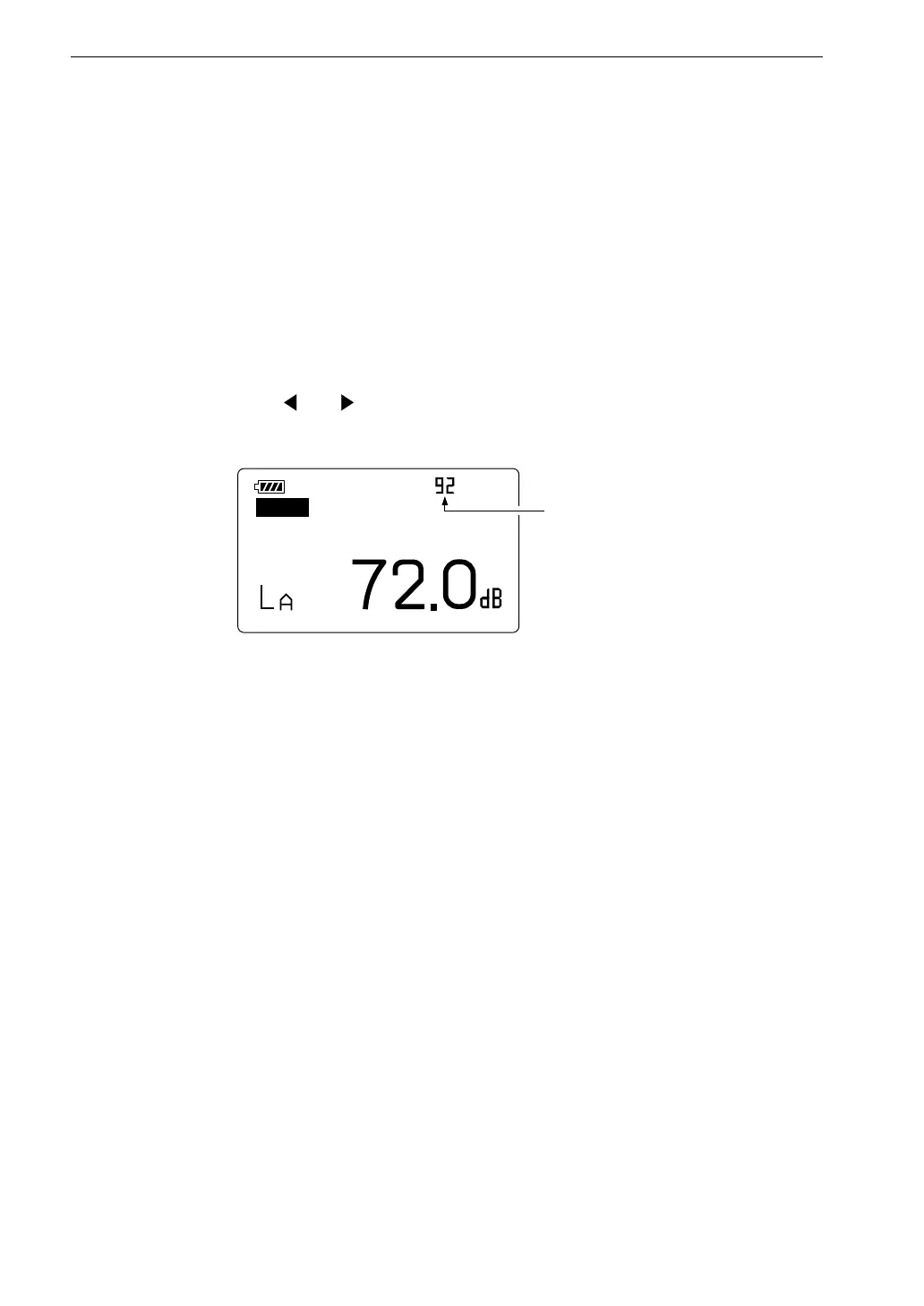
3. Use the and (Data No.) keys to select the data for printout.
F a s t
M a n u
R e c a l l
1 1 / 2 5 1 0 : 3 3 : 5 5
D a t a n u m b e r
R e c a l l s c r e e n ( M a n u a l )



 To Next Page