128
Optional Accessories
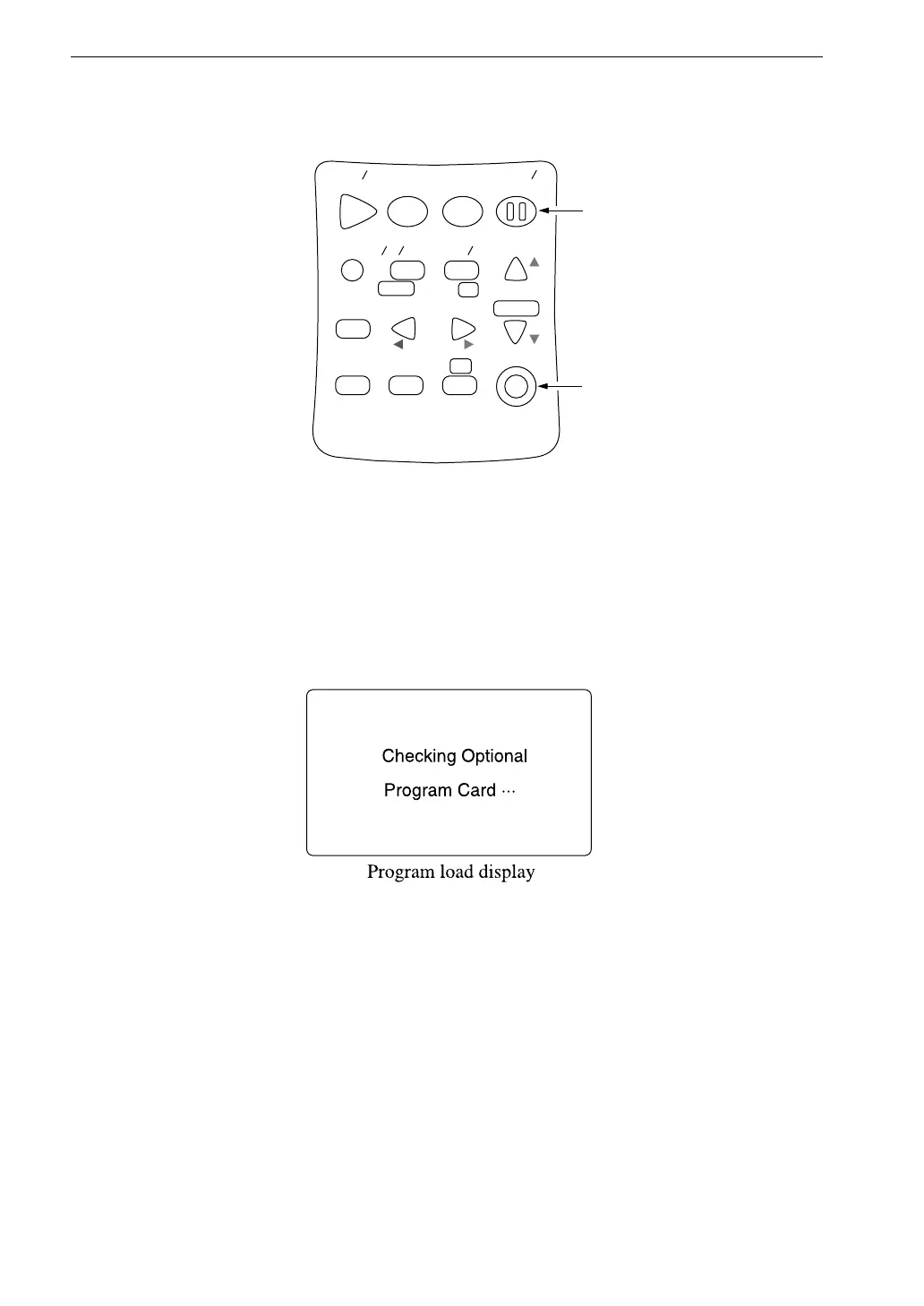
1. Open the card compartment and insert the program card.
2. Hold down the Pause/Cont key while pressing the Power key to turn
on the unit.
3. While the card is being checked and the software is loaded, the
indication below is shown.
4. When the program was loaded correctly, the indication below is shown.
z Universal filter was loaded (incorporated in sound level meter)
The card was used for loading the program (loaded) and cannot be
used to load the program to another sound level meter.
" Universal
filter program
has loaded.
Push any key"
S t a r t
S t o p
S t o r e M o d e
P a u s e
C o n t
F a s t S l o w
M e n u
P a g e
R a n g e
R e c a l l
F r e q
L i g h t P r i n t
P o w e r
S O U N D L E V E L M E T E R
R e c a l l
d a t a
D o w n
C a l a d j
C a l
U p
A
C F L A T
N L - 2 1
P a u s e / C o n t k e y
P o w e r k e y



 To Next Page