29
Preparations
1 / 2 - i n c h a d a p t e r N C - 7 4 - 0 0 2
f o r N C - 7 4
S o u n d c a l i b r a t o r N C - 7 4
P i s t o n p h o n e N C - 7 2
1 / 2 - i n c h a d a p t e r
f o r N C - 7 2
5. Press the Menu key again to return to the measurement screen.
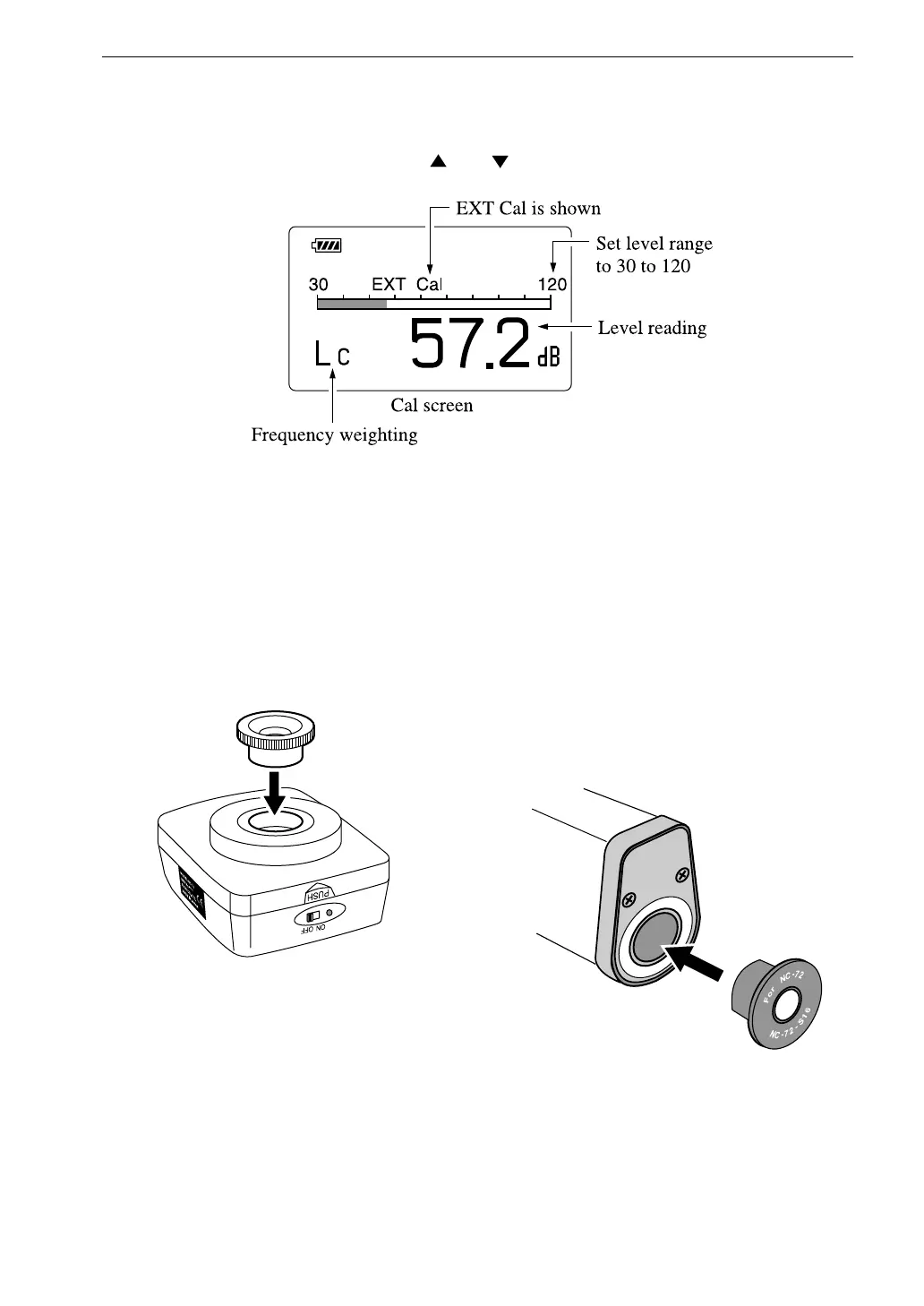
6. Use the Level Range and keys to select the 30 to 120 dB range.
7. Press the Cal key. Frequency weighting is automatically set to "C".
If the level range is not set to 30 to 120 dB, the EXT Cal indication
flashes.
8. Mount the 1/2-inch adapter on the coupler of the sound calibrator or
the pistonphone.
9. Insert the microphone very carefully and slowly all the way into the
coupler.
10. Set the power switch of the sound calibrator or the pistonphone to ON.



 To Next Page