44
Reading the Display
5 5
< M e m o r y >
M a n u a l d a t a c l e a r : O n
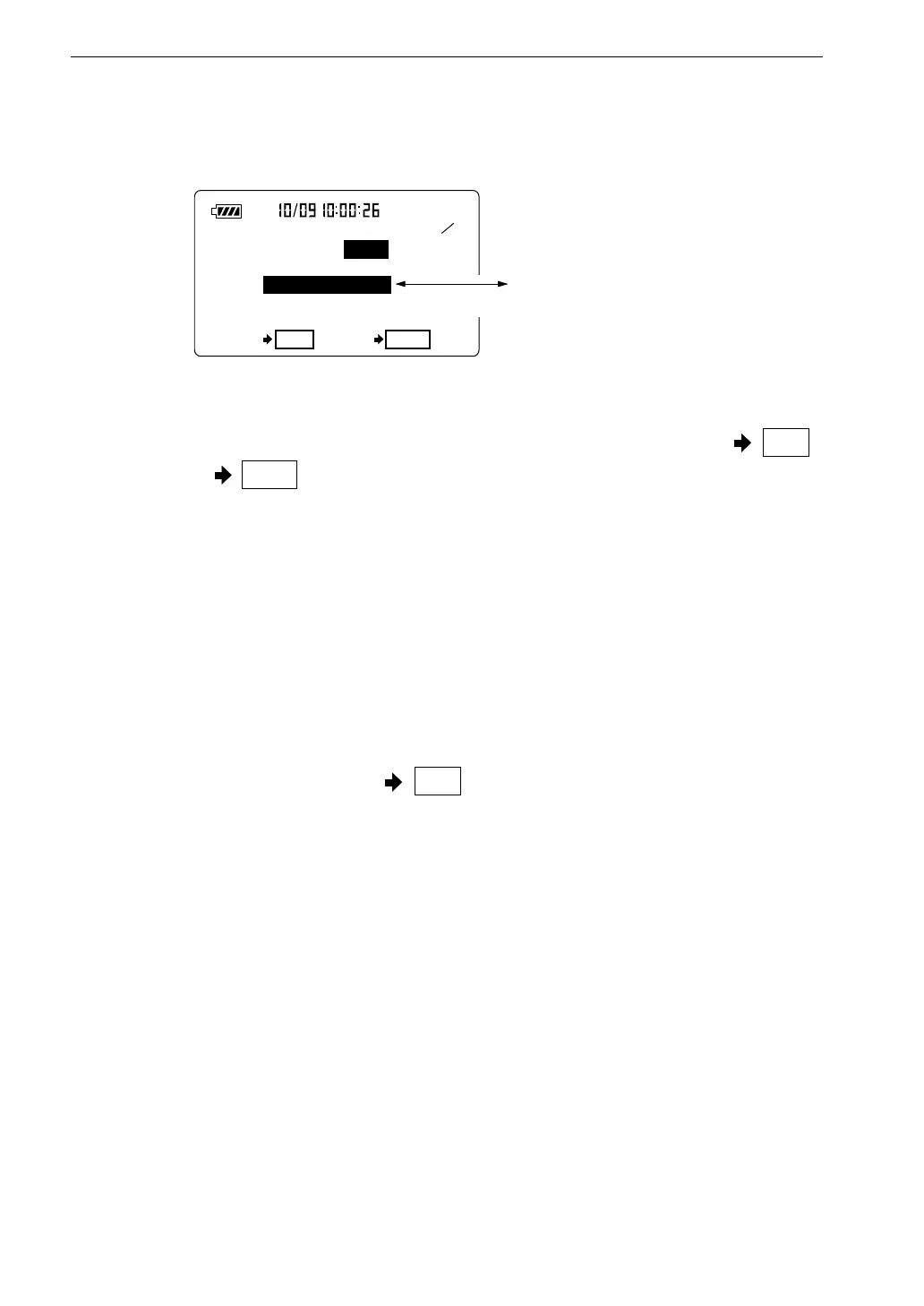
A l l d a t a c l e a r ?
O K S t a r t C a n c e l P a u s e
A l l d a t a c l e a r ?
M e n u s c r e e n 5 / 5
S h o w n w h e n " M a n u a l
d a t a c l e a r " i s s e t t o " O n "
S w i t c h i n g d i s p l a y e v e r y 0 . 5 s e c o n d
Manual data clear On/Off
This item is shown when there is no card in the card slot.
When "On" is selected, the indications "All data clear?" and "OK Start
Cancel Pause " are displayed.
Pressing "Start" key allows deleting all data in the internal memory.
Date y/m/d
Year/month/day
Time
Hours/minutes/seconds
When you select one of the items year, month, day, hours, minutes, seconds,
the indication "Set ready? Start " flashes. Pressing the Start key in this
condition allows you to set the internal clock. The clock then starts running
from the new time.



 To Next Page