48
Measurement
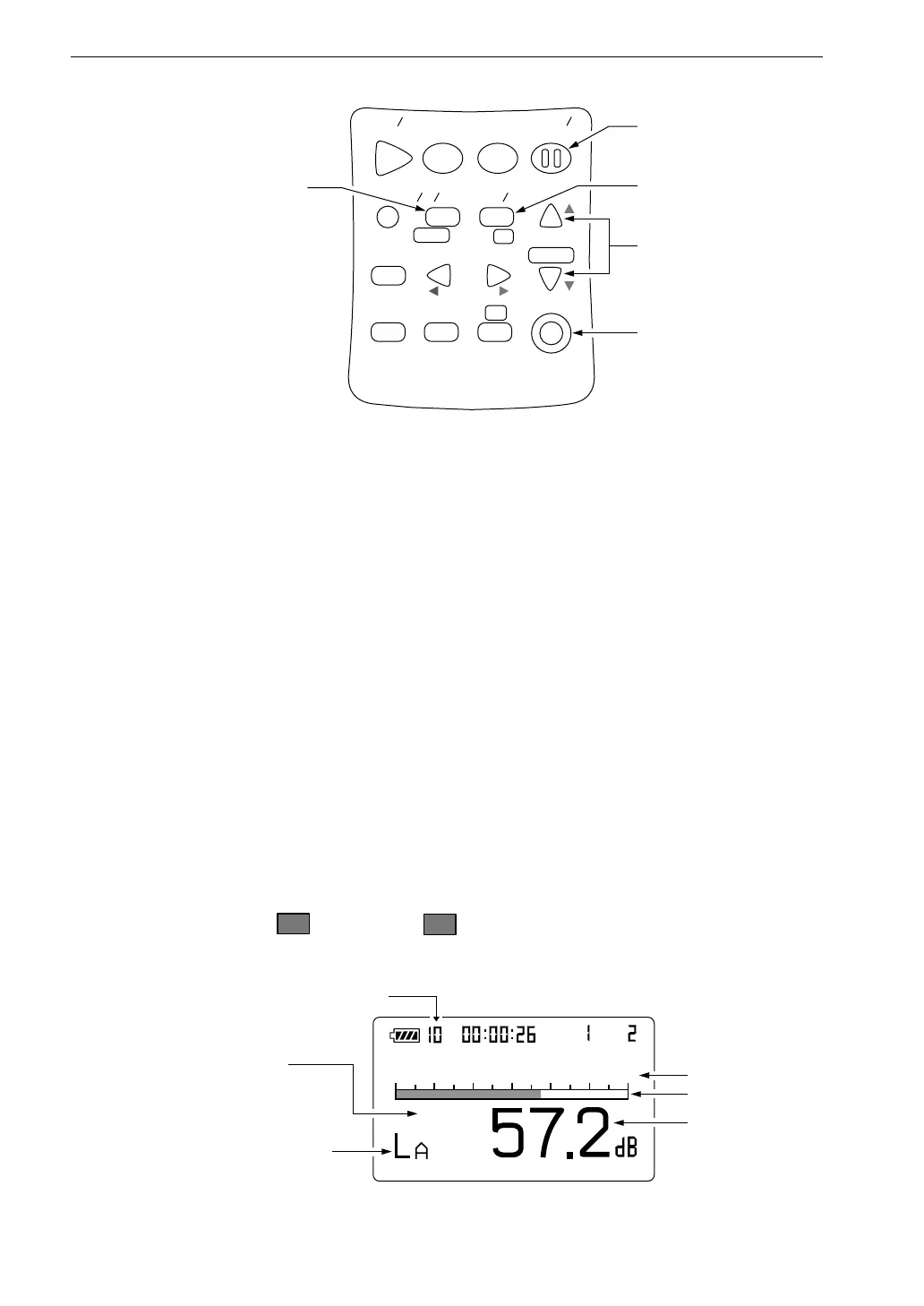
2. Select the frequency weighting with the A/C/FLAT key. For normal
sound level measurements, select the "A" setting.
If "L
p
" (Flat) is selected, the sound level from 20 Hz to 12.5 kHz for
NL-31 and from 20 Hz to 8 kHz for NL-21 can be measured.
When L
C
is selected for display, the sound level from 31.5 Hz to 8 kHz
is measured with flat characteristics.
3. Use the Fast/Slow key to select the time weighting (dynamic
characteristics). Normally, the "Fast" setting should be used.
4. When performing measurements according to JIS or other standards,
the frequency weighting and time weighting setting required by the
standard should be selected.
5. Use the Level Range keys to select the level range. Choose a setting in
which the bar graph indication registers to about the middle of the
range.
If the "
O v
" (Over) or "
U n
" (Under) indicators light up frequently,
change the level range setting.
S t a r t
S t o p
S t o r e M o d e
P a u s e
C o n t
F a s t
S l o w
M e n u
P a g e
R a n g e
R e c a l l
F r e q
L i g h t
P r i n t
P o w e r
S O U N D L E V E L M E T E R
R e c a l l
d a t a
D o w n
C a l a d j
C a l
U p
A
C F L A T
N L - 2 1
A / C / F L A T k e y
P a u s e / C o n t k e y
F a s t / S l o w k e y
R a n g e k e y s
P o w e r k e y
A u t o
2 0
8 0
F a s t
m
S e l e c t f r e q u e n c y w e i g h t i n g
w i t h A / C / F L A T k e y
S e l e c t t i m e w e i g h t i n g
w i t h F a s t / S l o w k e y
L e v e l r a n g e
B a r g r a p h
L e v e l r e a d i n g
M e a s u r e m e n t s c r e e n
M e a s u r e m e n t t i m e



 To Next Page