69
Measurement
Note
It is also possible to use the Mode key during mea-
surement to read the percentile sound level up to that
point. (This applies only to the numeric level display.
The bar graph indication shows the sound level.)
During measurement, the Pause/Cont key can be used to pause and
resume the measurement. During pause, the pause symbol ( ) is shown.
(Any pause intervals and the back-erase time if data back-erase is
enabled are not included in the measurement time.)
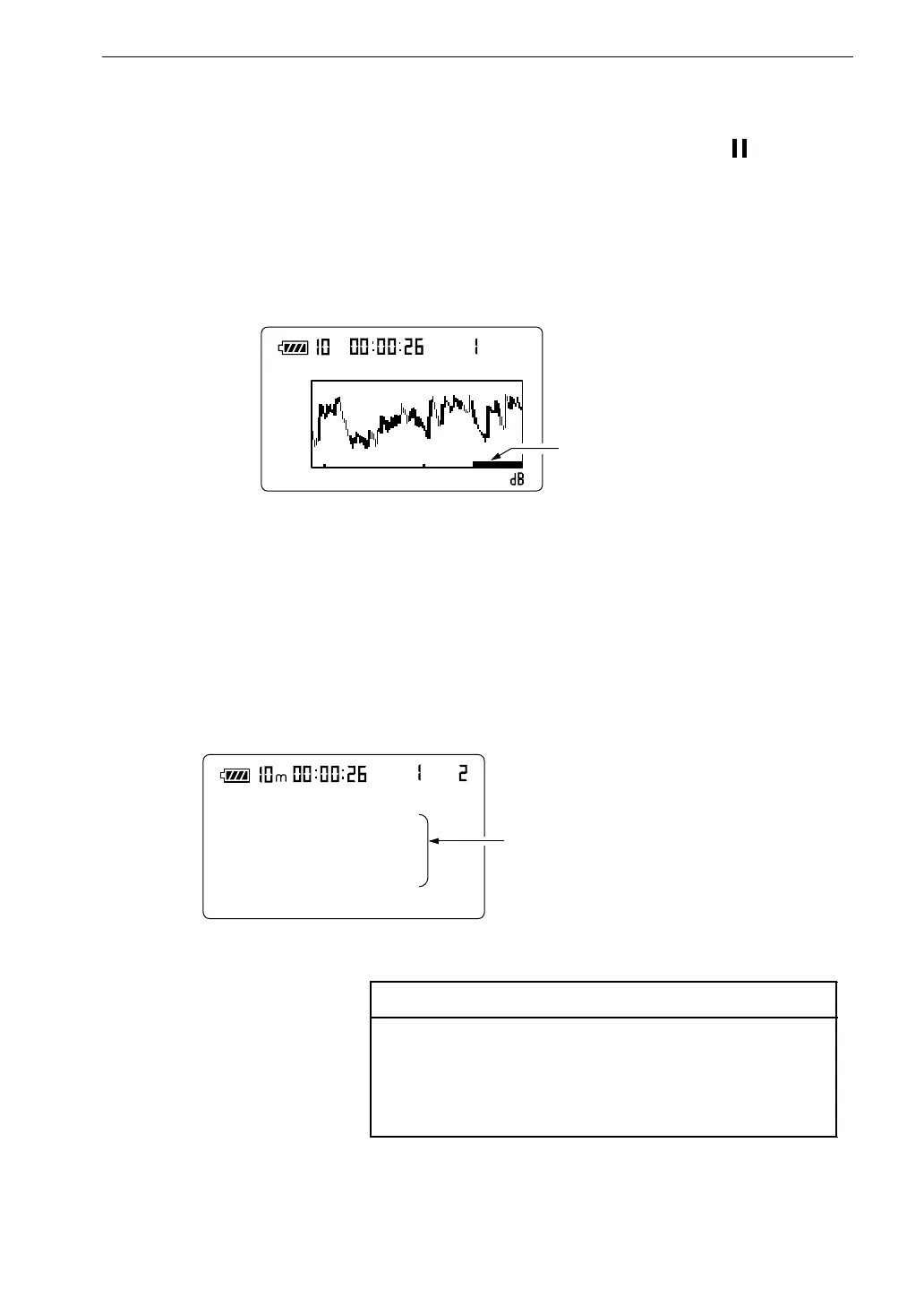
If data back-erase was enabled in step 9, the data are indicated on the
display, as shown below.
8 0
2 0 s
1 0
5 9 . 1
M a n u
m
A F a s t
D a t a r a n g e t o b e e x c l u d e d
M e a s u r e m e n t s c r e e n
A u t o
L E : 5 5 . 5 L 1 0 : 5 0 . 6
L m a x : 5 3 . 6 L 5 0 : 4 7 . 3
L m i n : 4 2 . 3 L 9 0 : 4 7 . 0
L 9 5 : 4 6 . 7
v a l u e s s e t t o " O n " a r e s h o w n .
M e a s u r e m e n t s c r e e n
L
N
12. When the measurement is completed, you can use the Mode key to
switch between various ways of displaying the measurement result.
You can display the percentile sound levels selected in step 8, either
sequentially or simultaneously.



 To Next Page