87
Store Operations
Clearing Stored Data (From Internal Memory)
To clear data stored in the internal memory with manual mode, proceed as
follows.
1. Verify that no memory card is inserted in the card slot.
2. Press the Menu key to call up the menu screen.
3. Use the Page Up/Down keys to display the menu screen 5/5.
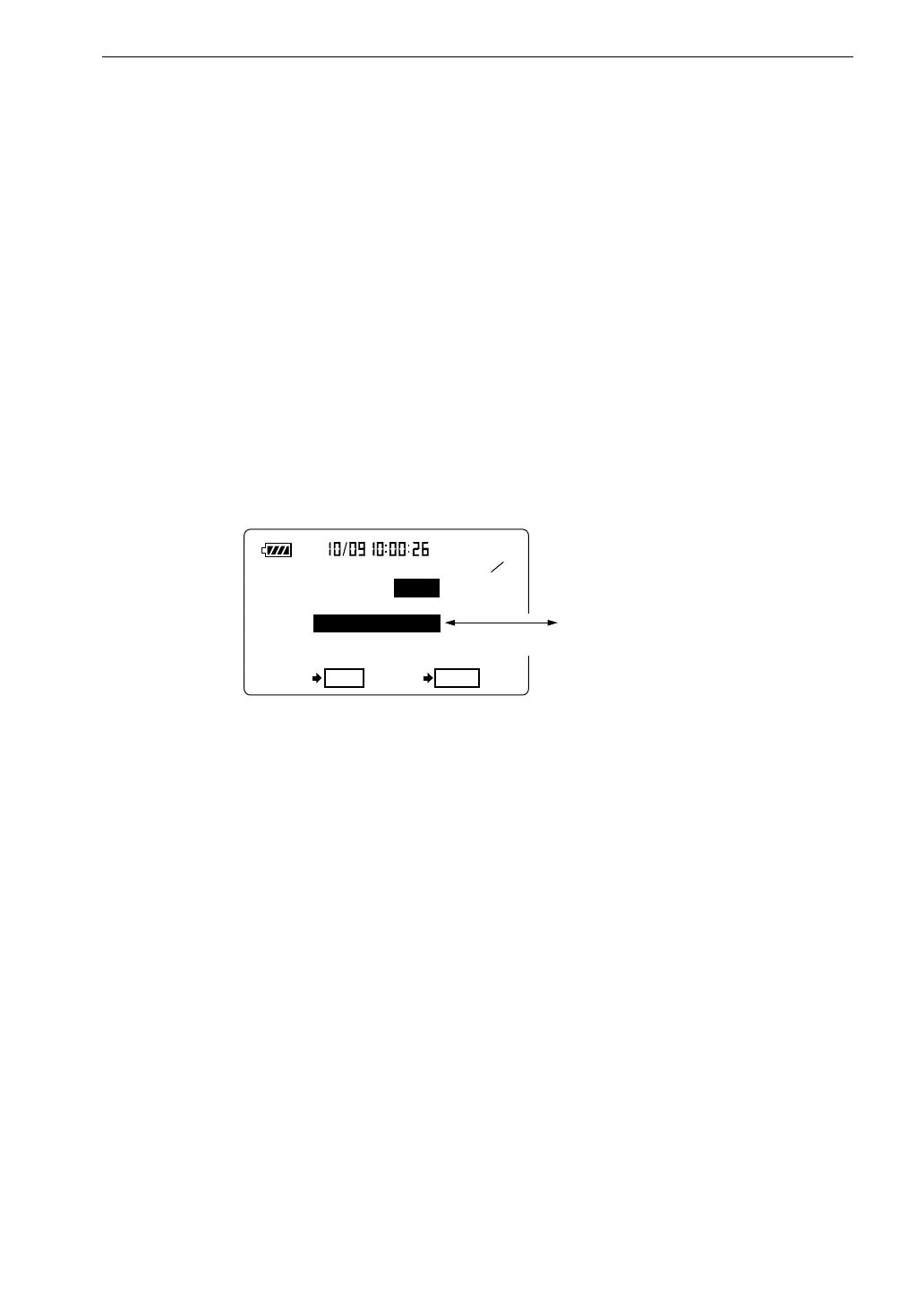
4. Set the "Manual data clear" item to "On".
To clear (erase) the data, press the Start key. The manual data are
cleared, and the unit returns to menu screen 5/5 with the "Manual data
clear" item set to "Off".
5 5
< M e m o r y >
M a n u a l d a t a c l e a r : O n
A l l d a t a c l e a r ?
O K S t a r t C a n c e l P a u s e
A l l d a t a c l e a r ?
S h o w n w h e n " M a n u a l
d a t a c l e a r " i s s e t t o " O n "
M e n u s c r e e n 5 / 5
D i s p l a y i s s w i t c h e d e v e r y 0 . 5 s e c o n d



 To Next Page