9
Types of Originals That Cannot Be Loaded in the ADF
The originals listed below cannot be scanned using the ADF. Set them on the platen glass.
• Originals that have been cut and pasted
• Originals with signicant wrinkling or curling
• Bent originals
• Glued originals
• Originals with holes
• Torn originals or originals with jagged edges
• Highly transparent originals such as transparencies
or tracing paper (Place a white piece of paper on the
back side of the original.)
• Originals with a coating on the front or rear, such as
art paper or coated paper
• Thermal paper used in facsimiles or word processors
• Originals with signicant bumps on the surface
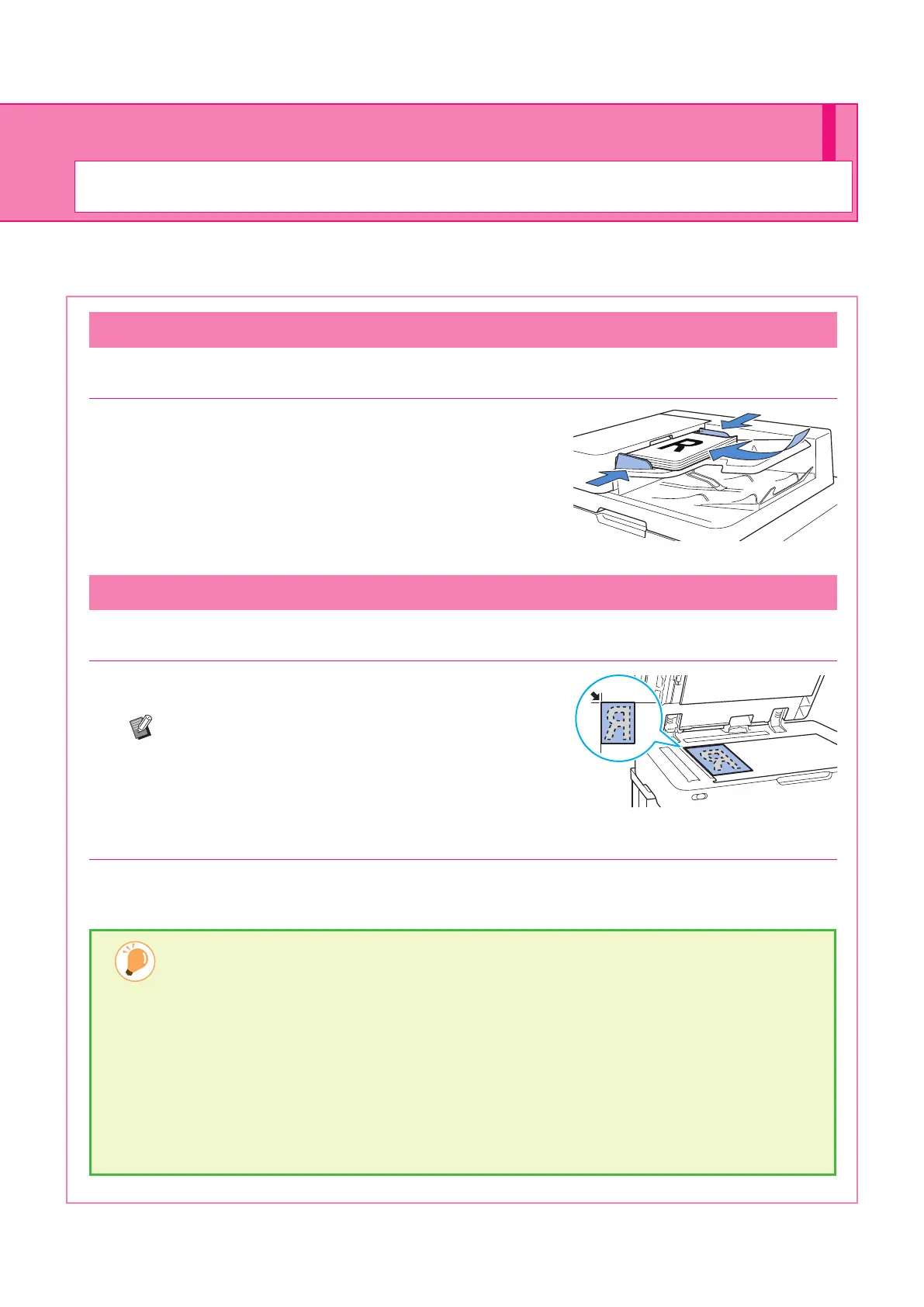
Loading in the ADF
1. Load the original so that the side that you want to scan is facing up.
Slide the ADF original guides to match the width of the original.
Loading on the Platen Glass
1. Place the original so that the side that you want to scan is facing down.
Align the corner of the original with the arrow at the top left
corner of the glass.
If the original is extremely thin, the rear surface may be
visible in the image. You can prevent this by placing black
paper behind the original.
2. Close the original cover.
Loading Originals
Load the original in the ADF (auto document feeder) or place it on the platen glass.
If you used ink or correction uid on the original, make sure that it has fully dried before loading it.
Preparation
ComColor FT Series Quick Guide



 To Next Page