33
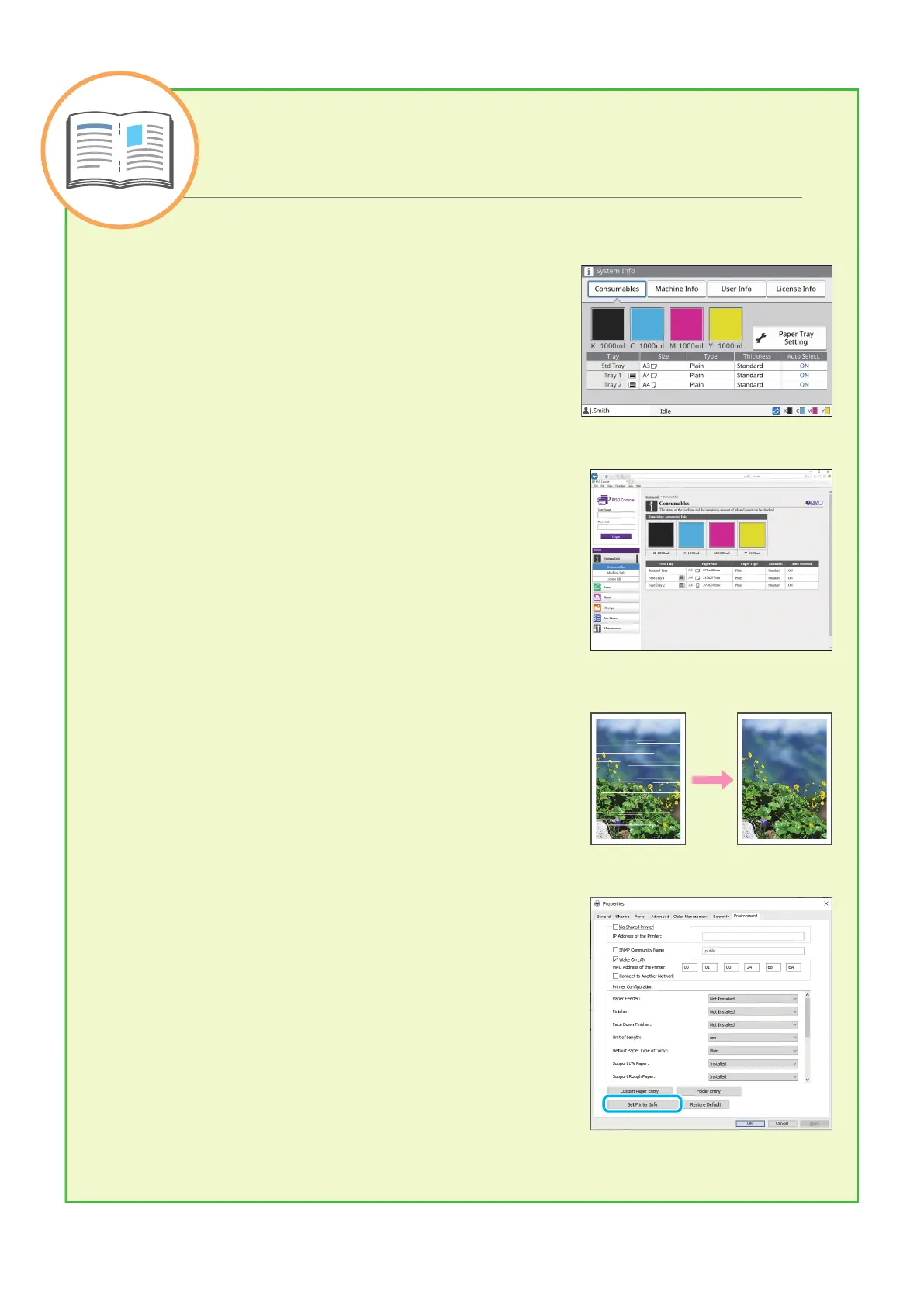
Consumables
By touching [System Info] on the [Home] screen, you can check
the status of consumables such as remaining ink and the
amount of paper left in the standard tray and paper tray.
RISO Console
The RISO Console provides remote access to the machine via
your computer's web browser, enabling you to check the
machine's status and settings, as well as handle data, from a
dierent location.
You can also check the status of consumables such as the ink
and paper.
To use the RISO Console, make sure the machine has been
connected to the network.
Cleaning the Print Head
The printed paper may have white streaks or appear blurry due
to the clogged print head. Touch [Maintenance] –
[Head Cleaning] on the [Home] screen to unclog the print head.
Normally, set [Normal Cleaning]. If this does not x the problem,
perform [Strong Cleaning].
Printer Conguration
When adding optional equipment to the machine, congure the
printer conguration in the [Environment] tab of the printer. Click
[Get Printer Info] to obtain the optional equipment conguration
information from the printer.
Useful Tips
Useful Tips
ComColor FT Series Quick Guide



 To Next Page