6
Preparation
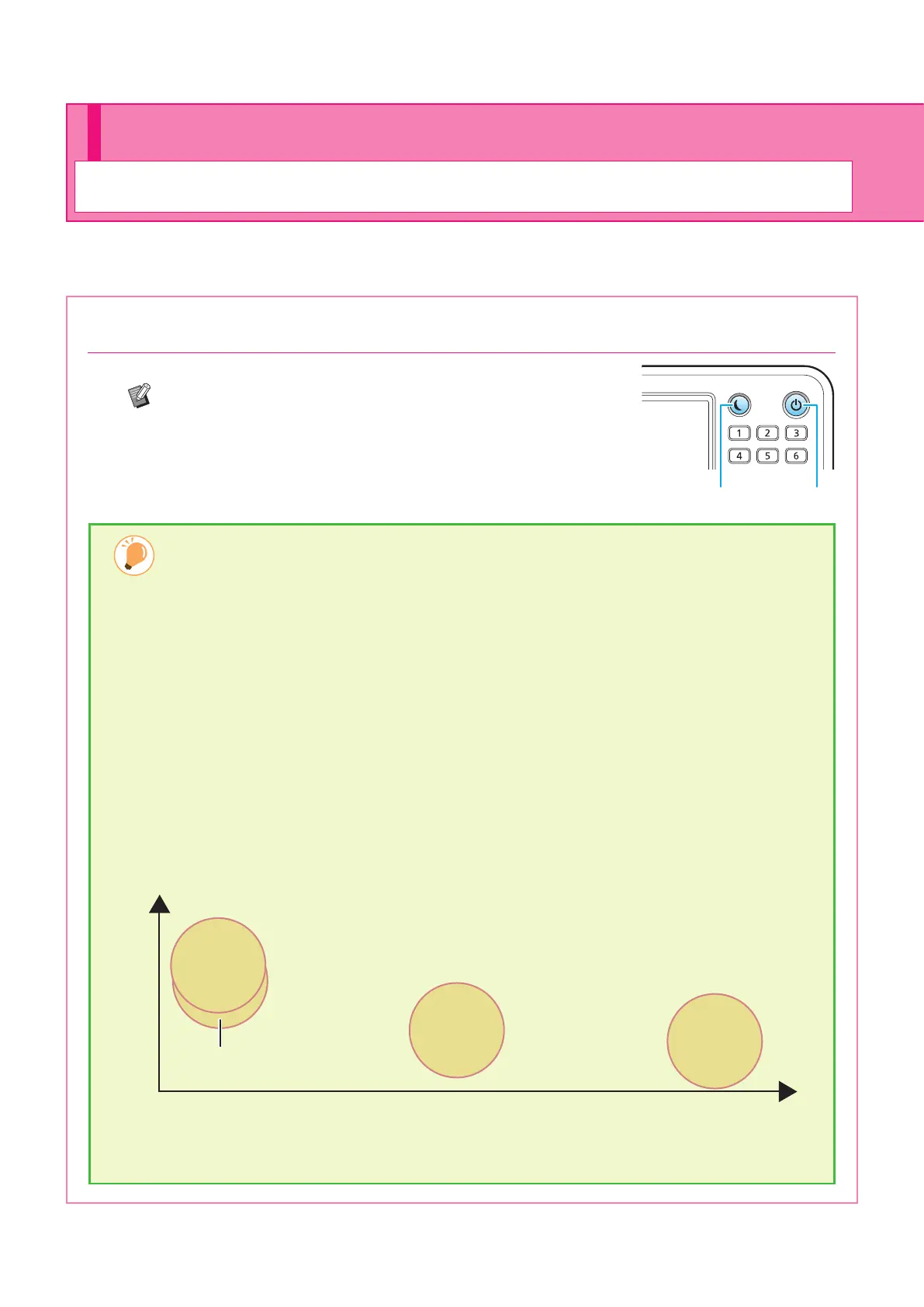
1. Press the [Power] key on the operation panel.
The [Home] screen is displayed after the startup screen.
The machine automatically enters power saving mode if
you leave it unattended for some time. Press the [Wake
Up] key to operate the machine.
Wake Up Power
Turning On the Power
Turn on the power to start the machine.
Reducing power consumption
You can reduce the machine's level of power consumption by using the power saving mode.
There are two types of states for the power saving mode.
• Backlight OFF
• Sleep (power consumption in the sleep state: [Standard] or [Low])
The amount of time that elapses before the machine enters each state, as well as the power
consumption value, are set by the administrator.
When [Low] is selected for [Power Consumption (in Sleep)], the machine consumes lower power than
when [Standard] is selected. However, there are some restrictions described below.
• The RISO Console cannot be displayed during sleep state.
• If you print on a network where Wake On LAN does not work, the printer does not wake up automatically. Be
sure to specify [MAC Address of the Printer] under the [Environment] tab of the printer driver.
It takes longer for the machine to resume operations after sleep state than backlight OFF state, but
power consumption is lower.
Recovery time LongShort
High
Low
Backlight OFF or Sleep [Standard]
93 W
*2
or less
Sleep
[Low]
2 W or less
Standby
0.4 W or less
Ready state
95 W
*1
or less
Power consumption
*1
80 W for 2-color or 1-color printer
*2
78 W for 2-color or 1-color printer
ComColor FT Series Quick Guide



 To Next Page