20
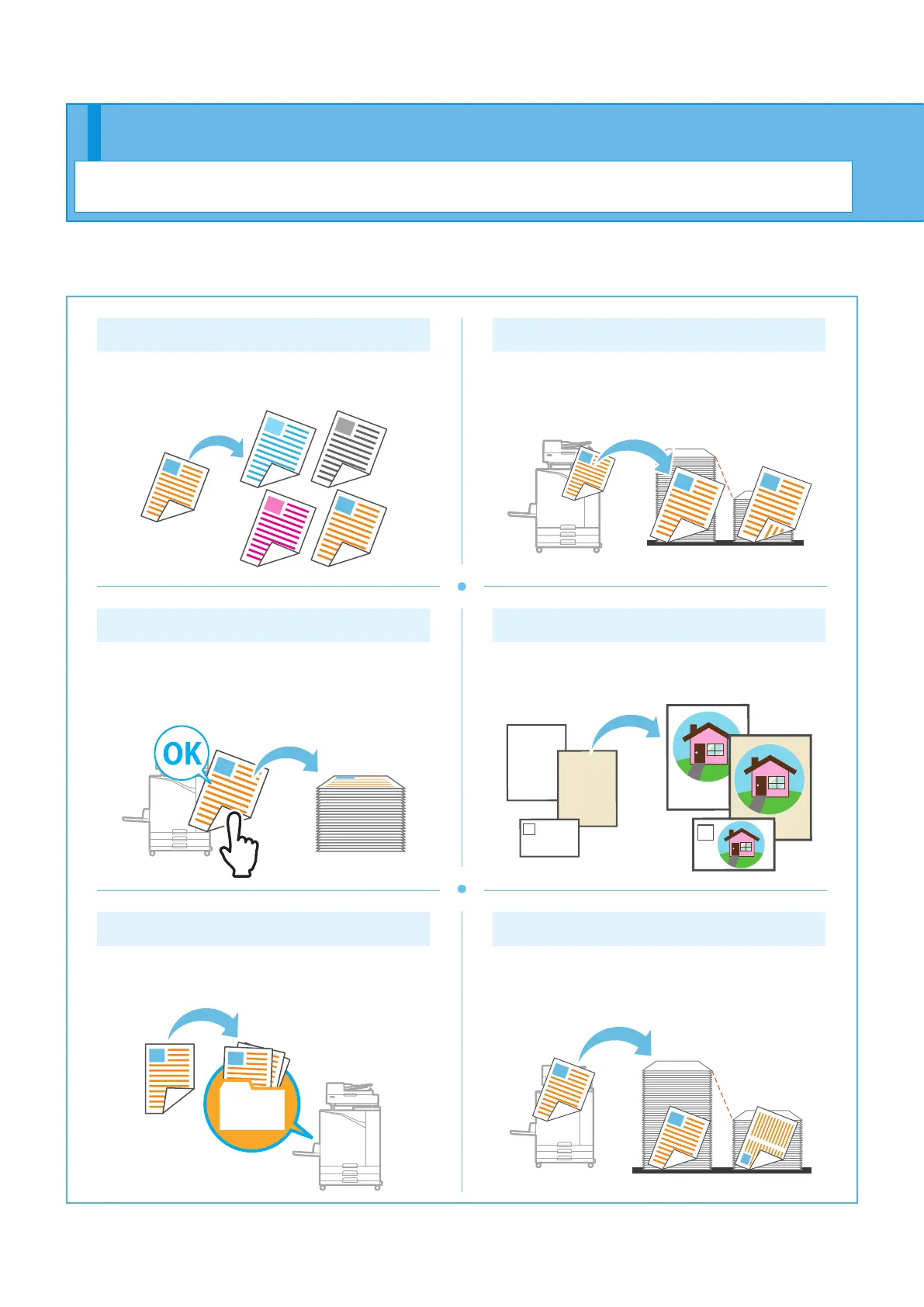
Color Mode
Select color or monochrome printing.
Duplex / Simplex
Specify simplex or duplex printing.
You can save paper by using duplex printing.
Print and Pause
Print one sample before printing a large number of
pages.
This enables you to check the results and settings.
Paper Type
Print using the optimal colors for the type of paper
that is selected.
Storage
Save documents in a folder on the machine.
You can print the data when needed.
Combine
Print continuous pages together on one sheet. You
can use this setting to save paper.
This section describes some of the functions that are available when using the printer driver of this machine.
For more information on each function, see the "User's Guide".
About the Various Printing Functions
Getting Started
ComColor FT Series Quick Guide



 To Next Page