19
• [Type]: Touch [Plain] or [IJ Paper].
• [Thickness]: Touch [Envelope].
Touch [Paper Type].
Touch [OK] to nish the setting.
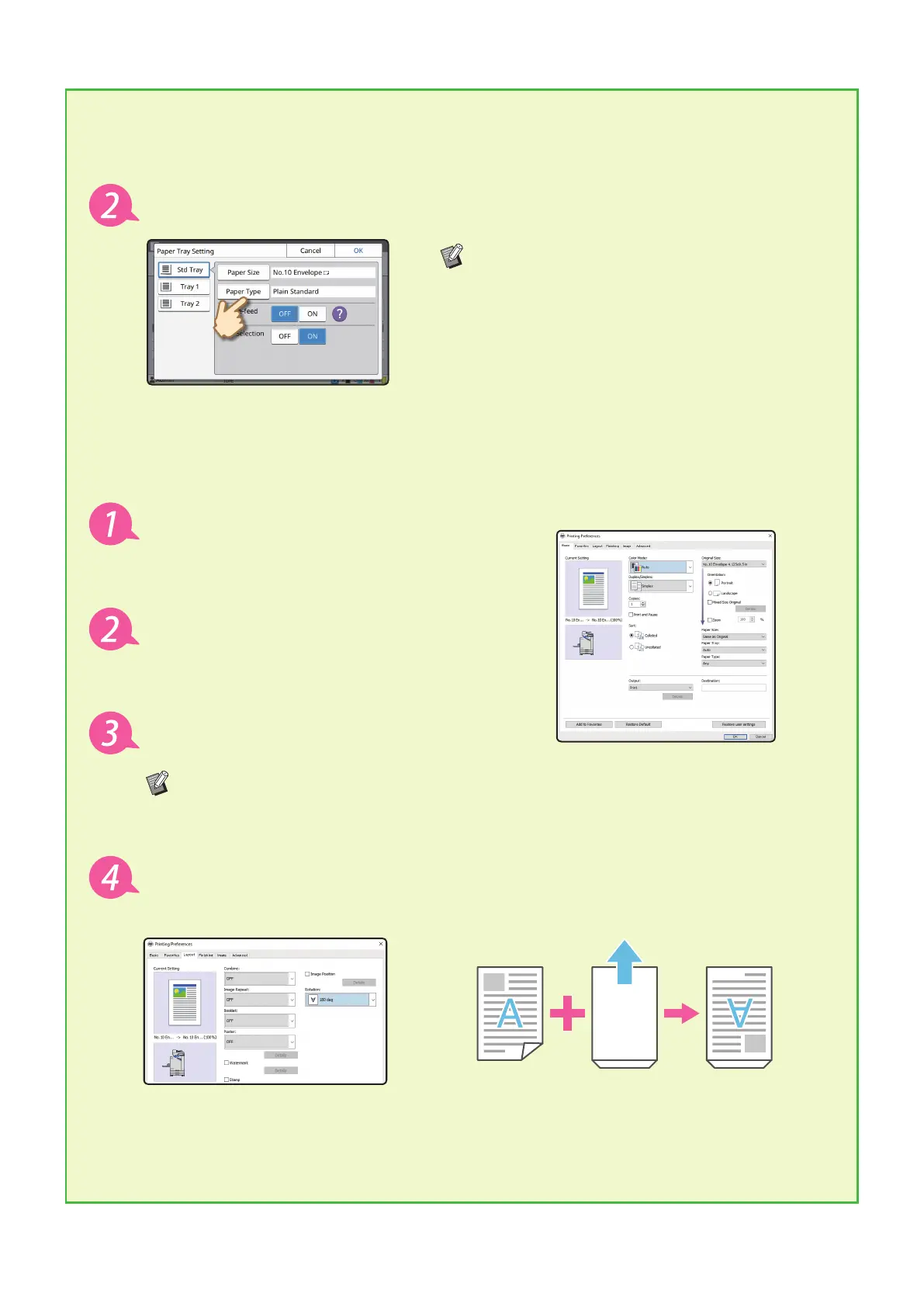
Conguring Settings Using the Printer Driver
Congure the settings in the [Basic] tab.
Select the No.10 Envelope for [Original Size]
and select [Portrait] for [Orientation].
Select [Same as Original] for [Paper Size].
Select [Standard Tray] for [Paper Tray].
Specify the output tray in [Output Tray] in the [Finishing] tab.
Congure the settings in the [Layout] tab.
Select [180 deg] for [Rotation].
The print orientation is rotated 180 degrees.
Click [OK] to nish the setting.
Finally Completed Image
ComColor FT Series Quick Guide



 To Next Page