21
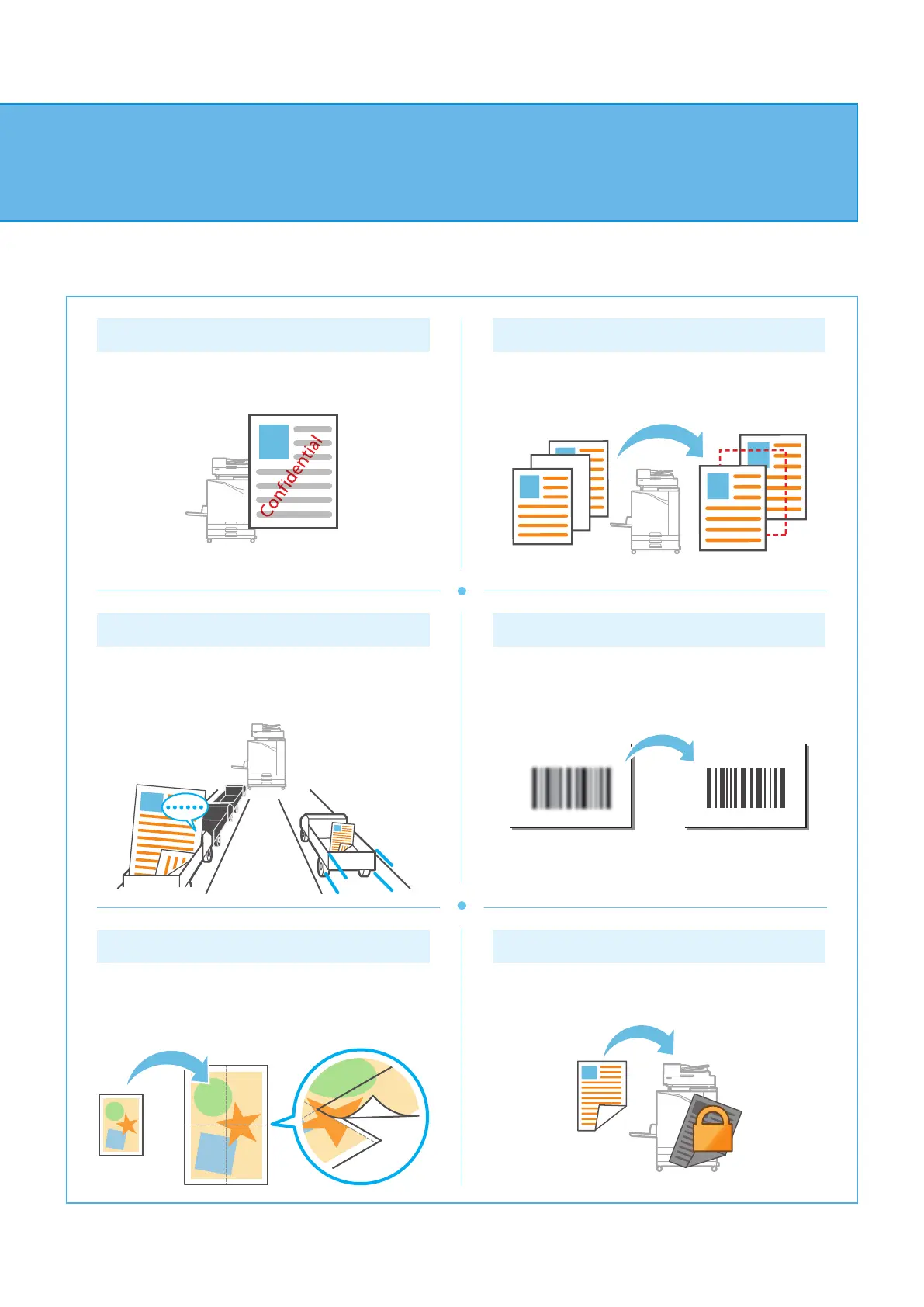
Watermark
Add a watermark to printouts.
Blank Page Detection
Specify this to prevent blank pages of the original
from being printed.
Data Compression
Reduce the data le size and prioritize network
communication speed over image quality when you
print.
Barcode Area Denition
Output a highly readable barcode by scanning a le
created using the Barcode Area Denition Software.
Poster Printing
Enlarge one page of image data and divide it onto
multiple sheets of paper for printing.
PIN Code
Assign a PIN code to a job to prevent others from
viewing it.
About the Various Printing Functions
ComColor FT Series Quick Guide



 To Next Page