13
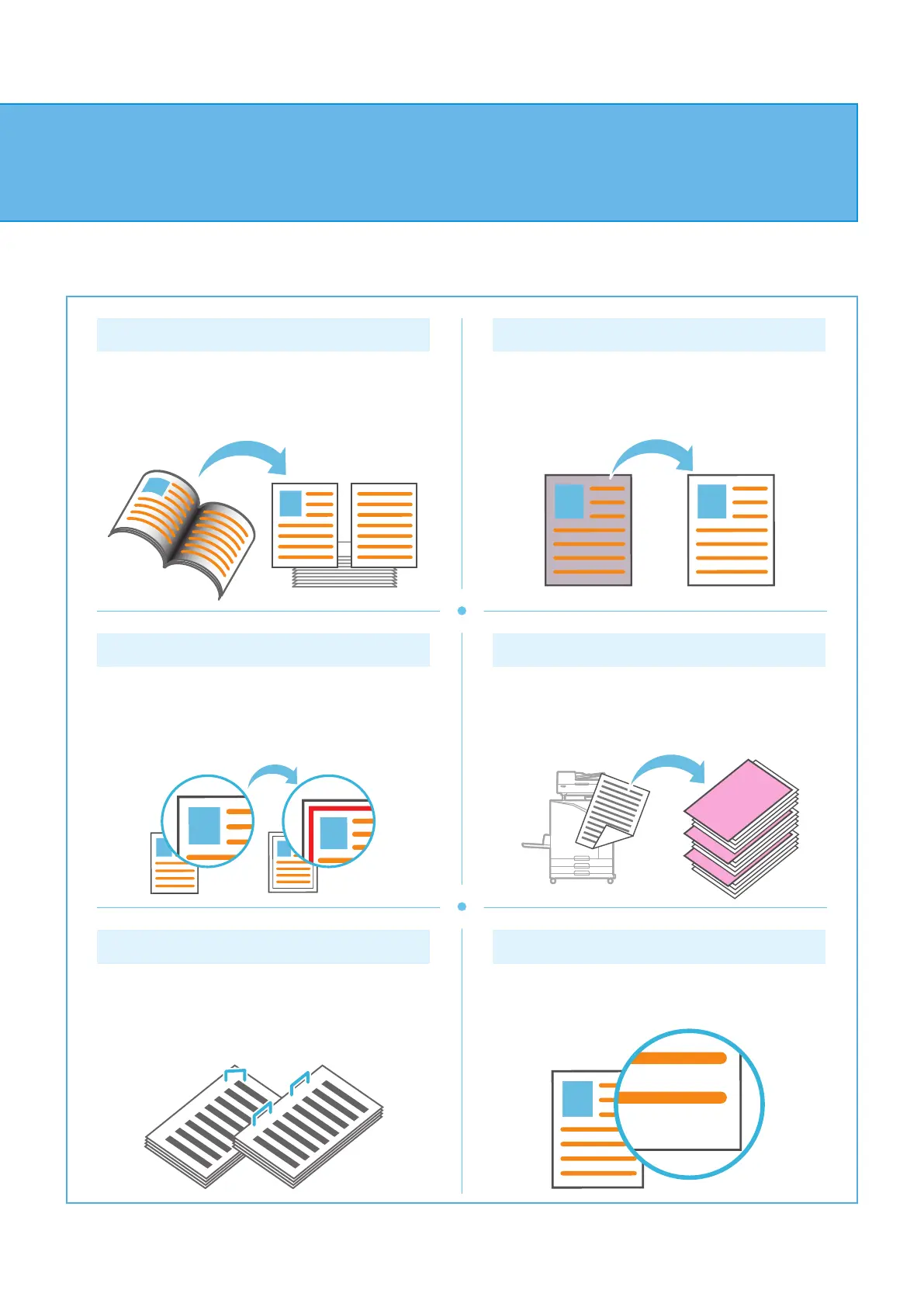
Page Split
When copying double-spread pages of documents
such as booklets, split the pages into two parts (left
and right) and copy them separately.
Base Color Level
Make the background color (base color) lighter when
scanning an original with a background color.
Page Border
Add a border line in the margins of the paper.
This enables you to make posters and signs stand
out.
Slip Sheet
Insert a slip sheet between sets of copies.
This enables you to quickly separate a large amount
of meeting documents or handouts.
Staple (optional)
You can staple at the specied position.
The multifunction nisher or face down nisher
(optional) is required in order to use this function.
Stamp
Stamp the page number, date, and text on the header
or footer.
About the Various Copying Functions
ComColor FT Series Quick Guide



 To Next Page