17
At the factory settings, the machine starts printing automatically when you log in.
If printing does not start automatically when you log in, perform the procedure below.
Printing From This Machine
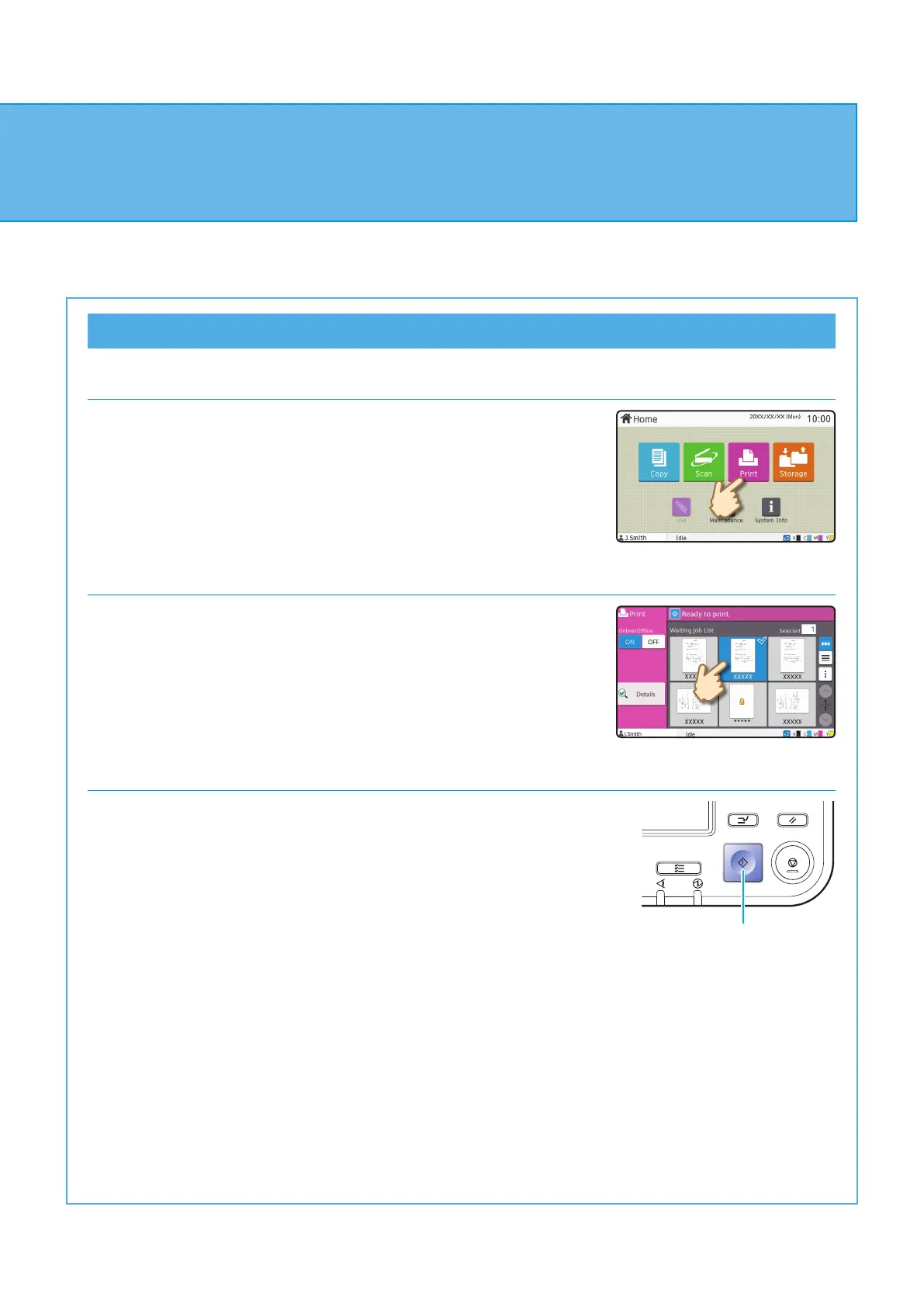
1. Touch [Print] on the [Home] screen.
2. Select the job.
Touch [Details] to display the details of the job.
3. Press the [Start] key.
Start
Printing
ComColor FT Series Quick Guide



 To Next Page