2
Symbols Used in This Guide
Indicates cautions that should be noted for safe use of this machine.
Indicates important items that should be noted or are prohibited.
Indicates useful or additional information.
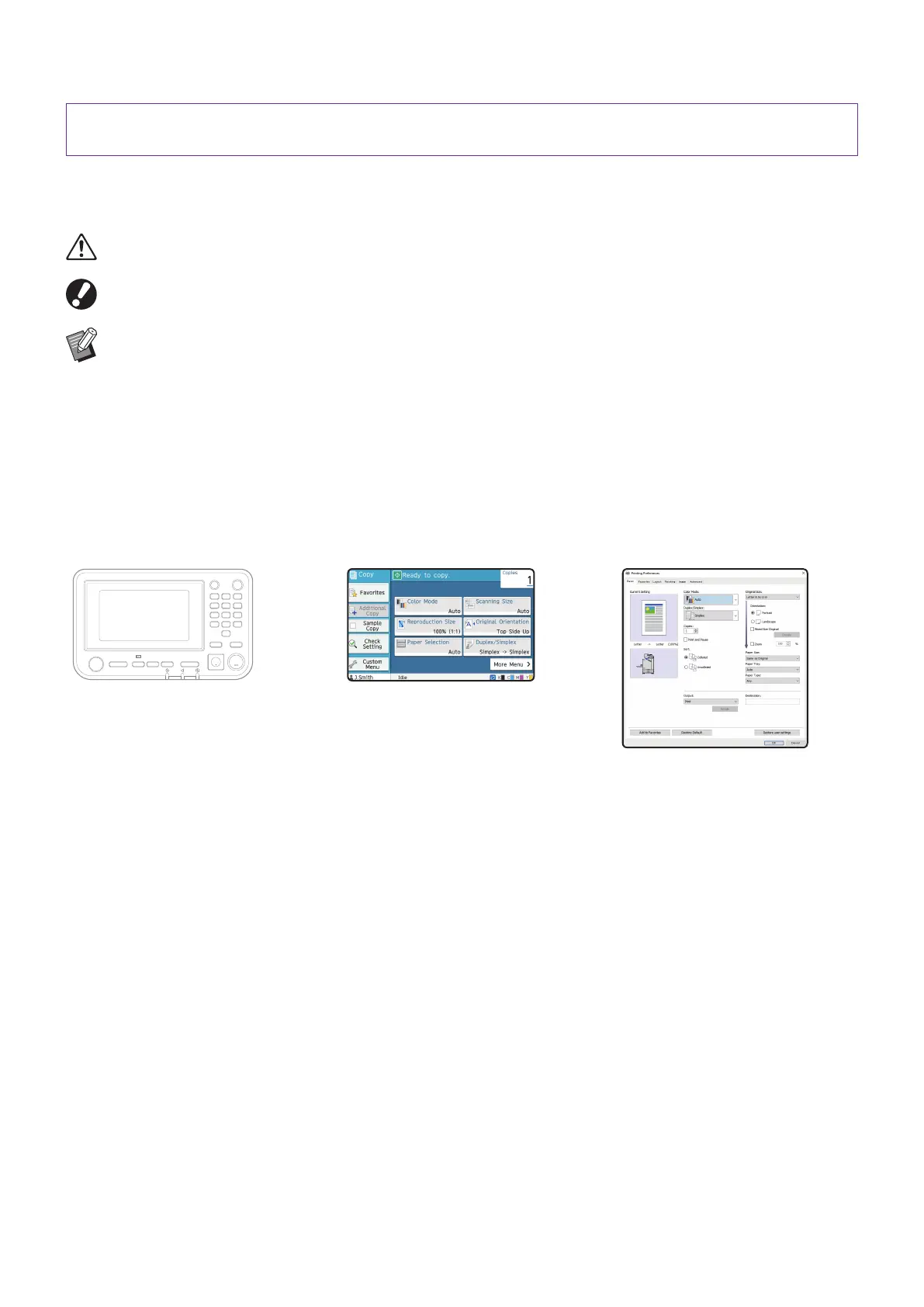
Names of Keys and Buttons
The names of hard keys on the operation panel and buttons on the touch panel screen or computer window are
indicated with square brackets [ ].
● Operation panel
Example: Press the [Stop] key.
● Touch panel screen
Example: Touch [Color Mode].
● Computer window
Example: Select the
[Mixed Size Original]
check box.
Illustrations and Operating Procedures in This Guide
• The operating procedures, screenshots, and illustrations in this guide are for the ComColor FT5430 with the
optional scanner connected. This guide also assumes that each function is set to the factory setting, and that
[Login Setting] is set to [ON].
• The screenshots and illustrations in this guide may vary depending on the machine model and usage
environment, including the connected optional equipment.
Symbols, Notations, and Screenshots Used in This
Guide
ComColor FT Series Quick Guide



 To Next Page