2: System Description
33
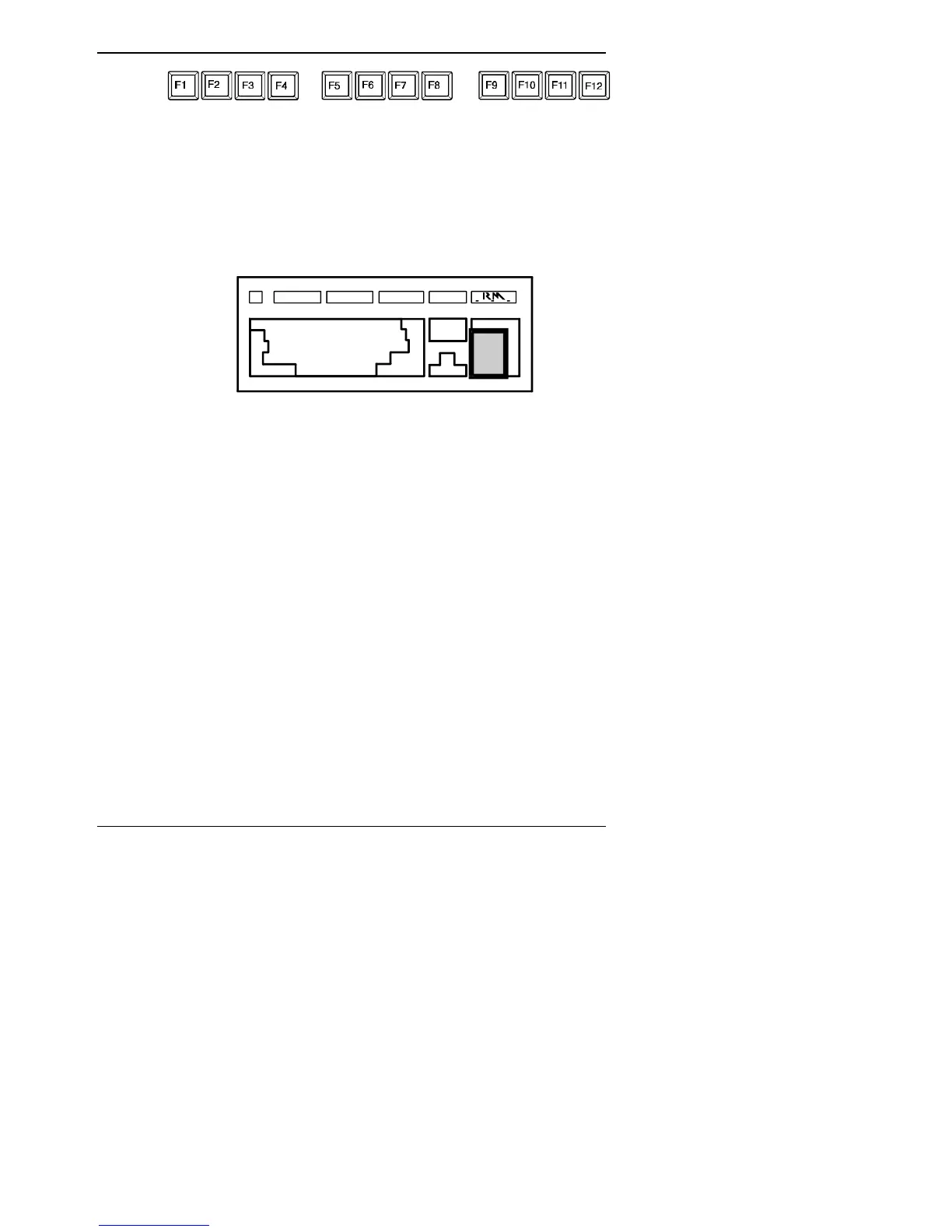
These keys are used to carry out particular functions, or tasks. The
function depends on the software you are running.
Numeric Keypad
The numeric keypad is located to the right of the main keyboard as
shown above.
These keys can be used as either cursor movement keys or
number keys. When <Num Lock> is pressed, these keys produce
numbers and the Num Lock indicator LED is lit. If you press <Num
Lock> again, the Num Lock LED goes off and the keys can be
used to move the cursor.
Pressing the <Shift> key temporarily inverts the key operation.
As number keys
The layout of these keys is useful for entering numeric data. The
add (+), subtract (-), division (/) and multiply (*) keys are on the
same keypad, with an <Enter> key.
As cursor movement keys
These keys move the cursor when you run applications, use text
editors and enter commands. The function of the key depends on
the program you are using.



 To Next Page