3: Fitting Hardware Options
47
Handling Adapter Cards
STATIC WARNING:
Ensure that cards and chips are not damaged by static that builds up on your
body.
• If you have an earthing wristband, put it on before touching any
card or chip (see page 45).
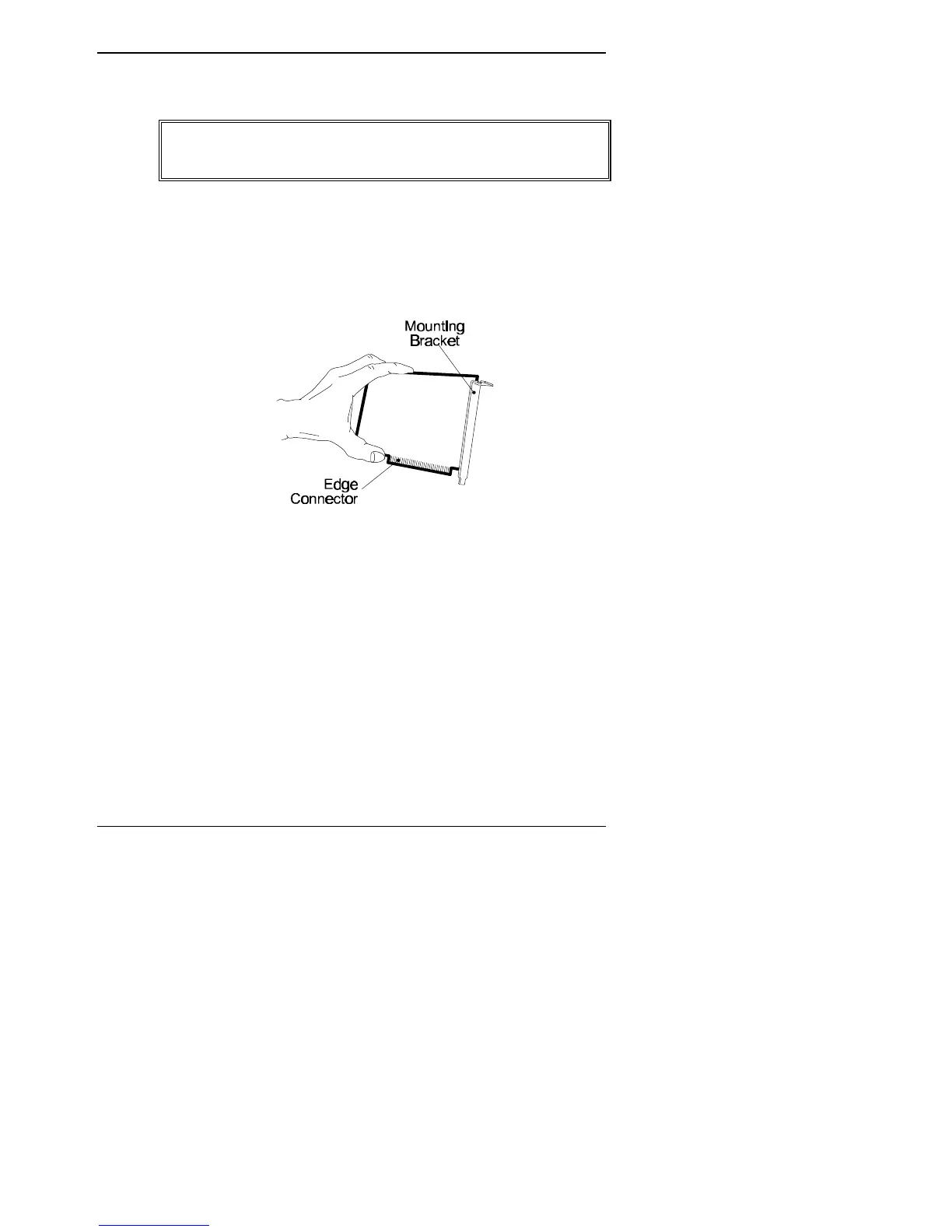
• Hold an adapter card by the glass-fibre edges or by the mounting
bracket connected to the card as shown below.
• Avoid touching either the electrical components that are
mounted on the card or the gold edge connector.
The following instructions tell you how to fit or remove cards in a
particular slot but the principles apply to any vacant slot.



 To Next Page