2: System Description
30
Typewriter-like Keys
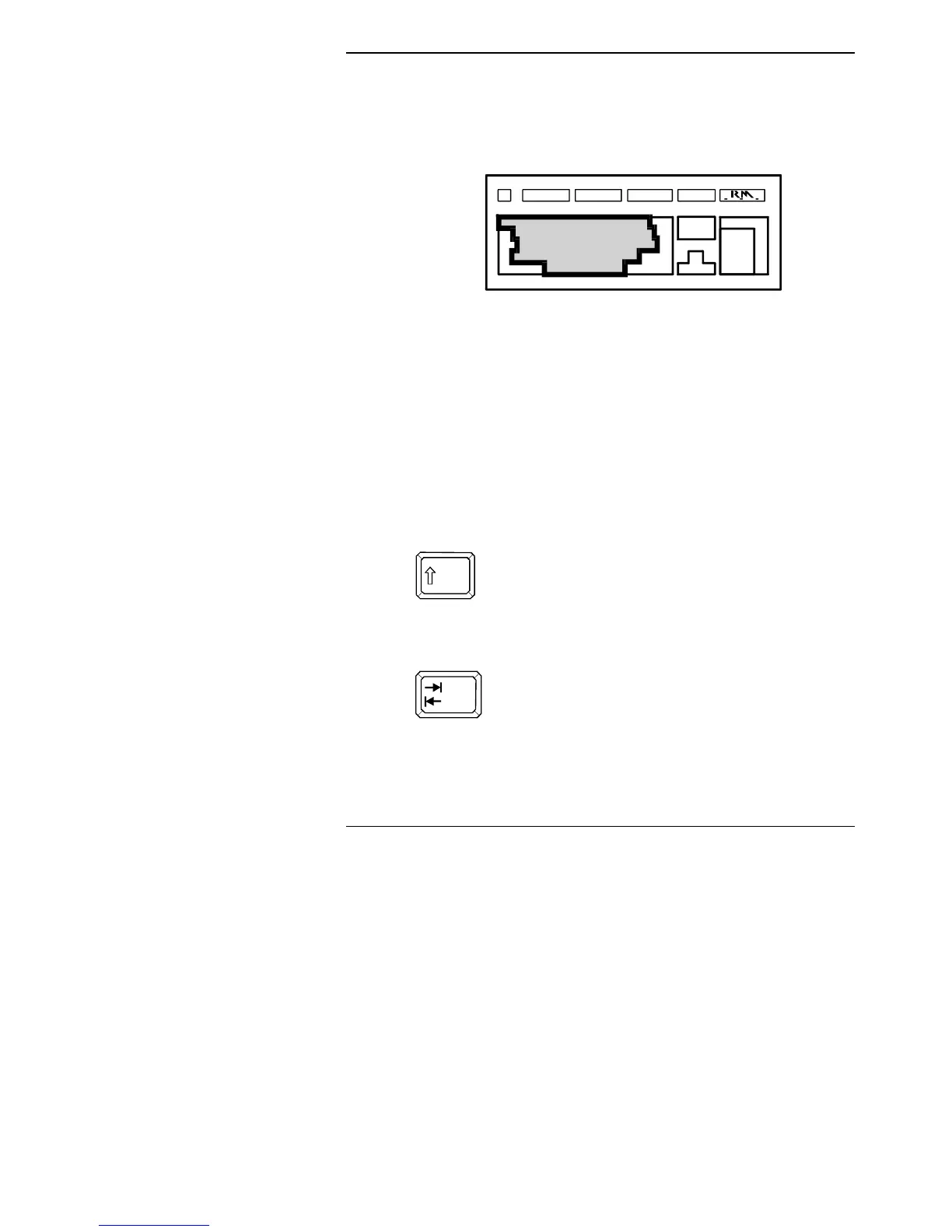
The layout of the typewriter-like keys is similar to that of a standard
typewriter, as shown below:
The normal actions of these keys are similar to those on a
typewriter: when you press an alphabetic key, the lower-case letter
appears. Non-alphabetic keys give the lower of the two characters
inscribed on the key. For most of the keys, you can repeat a
character by holding down the key.
The cursor is the marker on the screen which indicates where the
next letter or character will appear when you press a key.
Special keys
The following keys carry out particular functions. In many cases,
the function depends on the program you are running.
To type upper-case letters (on alphabet keys) and
the upper row of characters (on non-alphabet keys),
press <Shift> and hold it down while you press the
key you require. For example, pressing <Shift>
and holding it while you press <A> gives a capital
A.
The <Tab> key moves the cursor to the right to the
next tab stop. When used with <Shift>, <Tab>
moves the cursor to the previous tab stop (in some
applications). The tab stop positions are defined by
the program you are running.



 To Next Page