3: Fitting Hardware Options
43
The Cover of the Computer
Removing the Cover
Toolbox: Pozidriv no. 1 screwdriver
1. Switch off your computer and unplug it from the mains.
2. Remove the security cable or padlock (if fitted). Switch off,
unplug and disconnect all attached equipment (including the
monitor, mouse, keyboard and any network cable(s)).
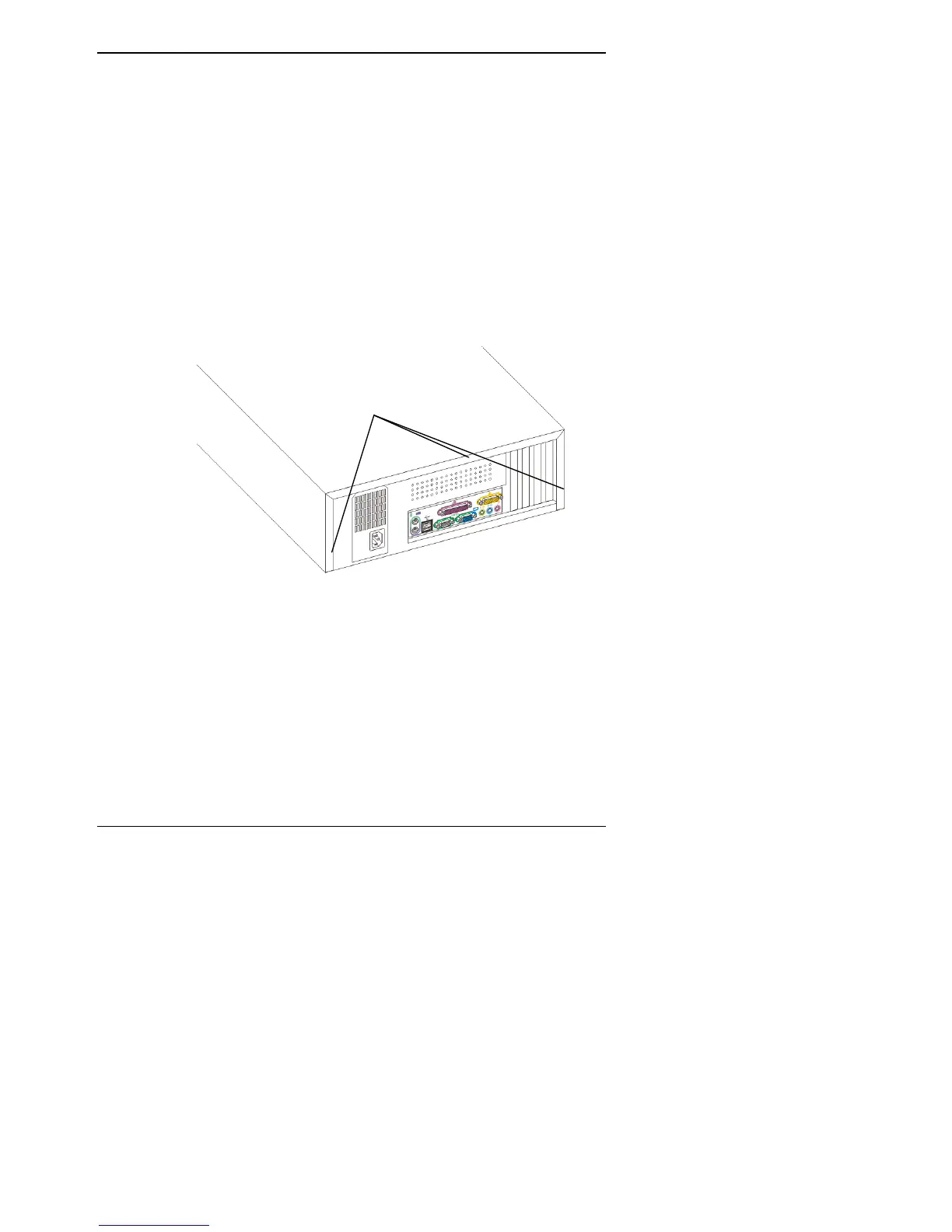
3. Unscrew and remove the three screws which secure the cover
to the rear panel. Put these screws in a safe place.
Remove
Screws
5. Slide the cover backwards (about 2 cm) to disengage it from
the front moulding of the case. Lift the cover up and off and put
it in a safe place.



 To Next Page