2: System Description
34
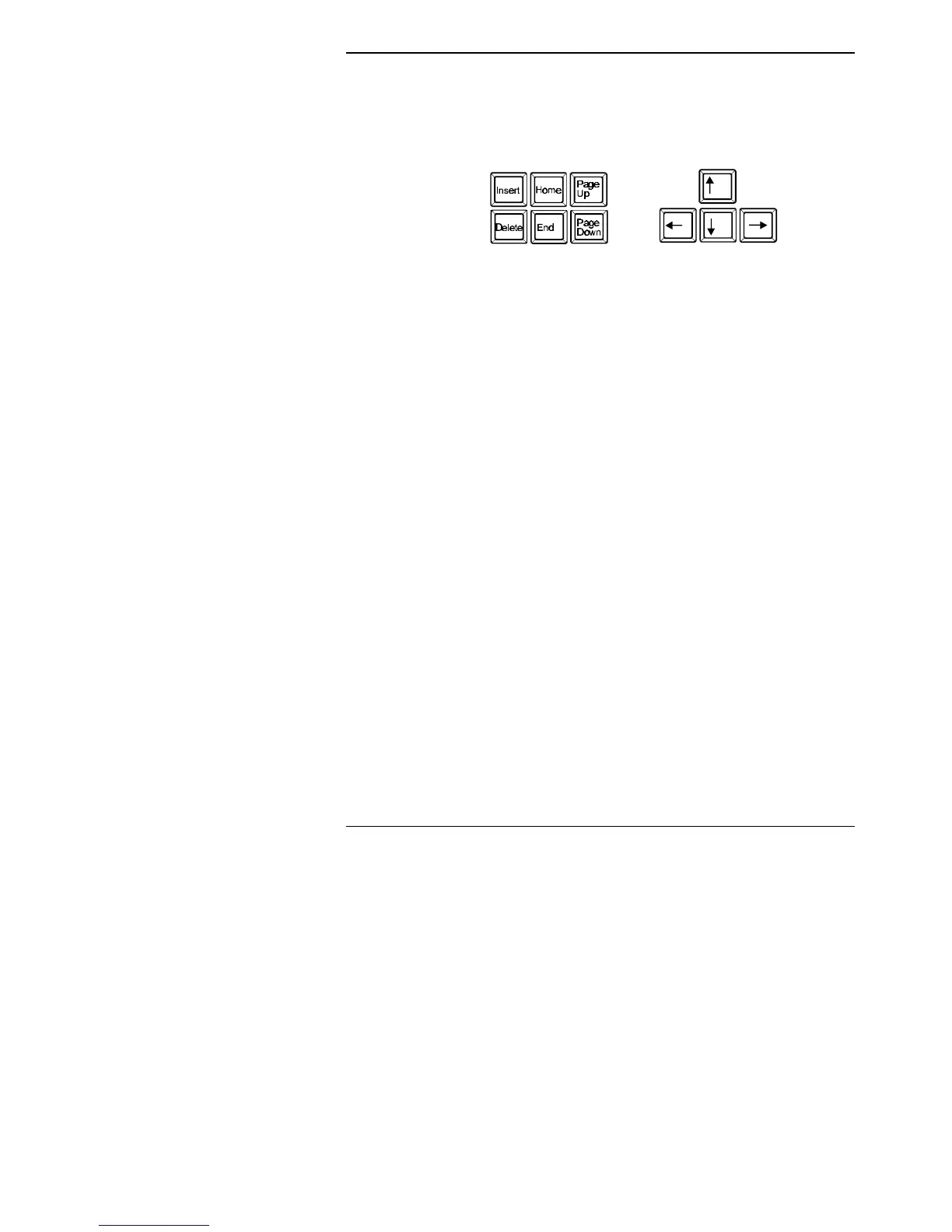
Special Keypads
The keyboard has separate cursor movement keys to the left of the
numeric keypad.
These keys can be used to move the cursor even when the
numeric keypad is set to produce numbers.
Key Combinations
The <Ctrl> and <Alt> keys can be used in combination with other
keys to carry out particular functions. These functions depend on
the program you are using.
Remember you must press down the first key and keep it pressed
down while you press the second key. Where you need to press
three keys, you should press the first key, hold it down and press
the second key, and holding down both keys, press the third key.
Release all keys together.
The following combination can be used while running Windows to
end a task or close down the system.
<Ctrl/Alt/Del>
The Mouse
Your computer is set up ready for use with the supplied mouse. A
mouse is another means of entering information into the computer.
It is a small desk-based object with two buttons. You press or click
these buttons to select options from the screen. This can
considerably speed up your use of the computer.



 To Next Page